Bruno Salgado dos Reis
Membro
-
Registro em
-
Última visita
Tudo que Bruno Salgado dos Reis postou
-

 Muito bom pra jogar os clássicos!
 -
 O melhor até hj!
 -
 Ideal para scans periódicos!
 -
-
 Muito top!
 -
 Muito legal!
 -

-
-
-
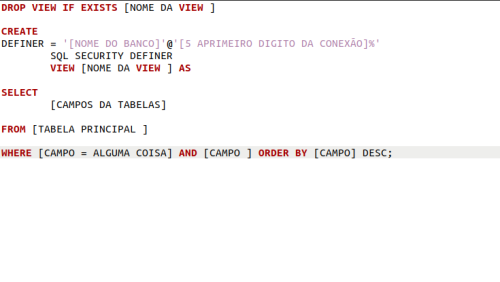
 Ferramenta muito flexível pra quem usa o terminal.
 -
 Na minha opinião, é melhor do que a opção da Microsoft.
 -
 Bom e grátis.
 -
 O melhor da categoria!
 -
Show! Obrigado.
-
 Ótimo!
 -
 Mais um ótimo jogo grátis na steam.
 -
 Navegador tão rápido quanto o Chrome e ainda mais seguro. E ainda consegue minerar a alguns trocados.
 -
 Esse emulador me leva ao meus melhores dias. Biker Mice from Mars melhor jogo de SNES
 -
 Pokemon Roda perfeito