
crowlley
Leecher
-
Registro em
-
Última visita
-

 Ta dando pra jogar online com VPN no brasil.
 -
 Melhor alternativa open source.
 -
 Saber tudo sobre a GPU
 -
-
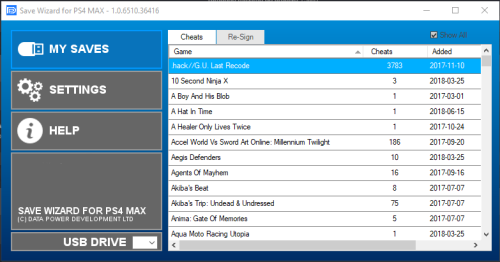 Ele tem acesso a saves de mais de 800 jogos de PS4. Basta você copiar o save do seu PS4 para o pendrive e em seguida acessa o save pelo programa, utilizando o seu computador... O resto, bem você sabe o que fazer! haha
 -
 QUberou um galhão
 -
-
 Sempre fico com pé atras quando é recuperação de arquivos deletados, porém é melhor do que nada né. Não conhecia essa, nas próximas ocasiões irei utiliza-lo.
 -
-
-
 Excelente alternativa.
 -
 Excelente alternativa.
 -
 Excelente alternativa.
 -
 UM pouco complicado, mas funcionabem
 -
 Alternativa excente aos outros app de pdf