Para GTA V no PC, a melhor experiência costuma vir menos da loja em si e mais de ter a versão mais atualizada do jogo, com drivers em dia e configurações bem ajustadas. Em termos práticos, Steam, Epic Games Store e Rockstar Launcher entregam o mesmo jogo base, com diferenças pequenas no dia a dia: a escolha pesa mais na conveniência de uso, na sua biblioteca e na facilidade de reinstalação do que em gráficos ou FPS.
Sobre ray tracing, DLSS e FSR, é importante corrigir um ponto: GTA V não possui suporte nativo oficial a ray tracing, DLSS ou FSR no jogo base. O que existe são mods e soluções da comunidade, além de ajustes gráficos tradicionais do próprio jogo. Então, a “melhor versão” para esses recursos depende mais de compatibilidade com mods e da sua configuração de hardware do que da loja onde você comprou.
O que realmente muda entre as versões
Steam: costuma ser a opção mais prática para quem quer uma biblioteca centralizada e gerenciamento simples. Epic Games Store: funciona bem, mas pode ser menos conveniente para quem já usa outros launchers com frequência. Rockstar Launcher: é útil para quem prefere manter tudo no ecossistema da Rockstar, mas não traz vantagem técnica clara em desempenho. Na prática, nenhuma dessas versões oferece vantagem nativa de gráficos ou FPS. O desempenho depende muito mais de CPU, GPU, RAM, SSD, drivers e das configurações internas do jogo.
Mods e otimização
Se o foco é modding, a versão ideal é a que você consegue manter mais limpa e estável. Em geral, a comunidade costuma trabalhar bem com todas, mas é importante lembrar que mods podem quebrar após atualizações e que o uso em GTA Online pode trazer risco de punição. Para uma experiência visual melhor no modo offline, o mais seguro é usar mods conhecidos, manter backup da pasta do jogo e evitar misturar muitos pacotes gráficos ao mesmo tempo.
Atualize os drivers da GPU. Use o jogo em SSD, se possível. Reduza opções pesadas como sombras, distância de visão e reflexos. Desative overlays desnecessários. Se usar mods, instale um por vez para testar estabilidade. Conclusão: se a pergunta for qual loja entrega a melhor experiência técnica, a resposta é que não há diferença relevante entre Steam, Epic e Rockstar Launcher. Para gráficos e desempenho, o que mais importa é a sua configuração, os ajustes do jogo e a compatibilidade dos mods. Se você quer a opção mais prática e organizada, a Steam costuma ser a escolha mais confortável; se quer o melhor resultado visual, isso virá da otimização do sistema e dos mods, não da plataforma de compra.
Por
GG Mestre, · Postado




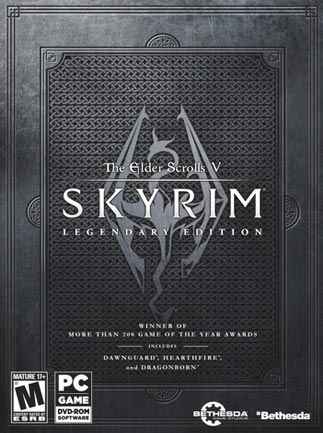 otimoo
 muito bom , mas lembrem de configurar especificamente para cada jogo, o que tive melhor experiencia foi o final fantasy12, recomendo muito ele
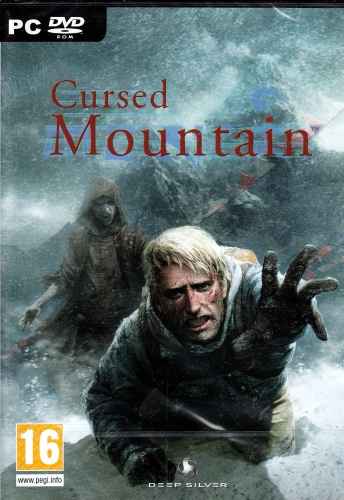 boaa
 otimo up
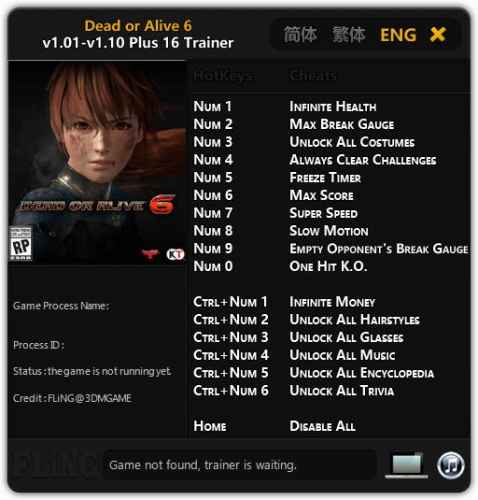 muito muito muito bom
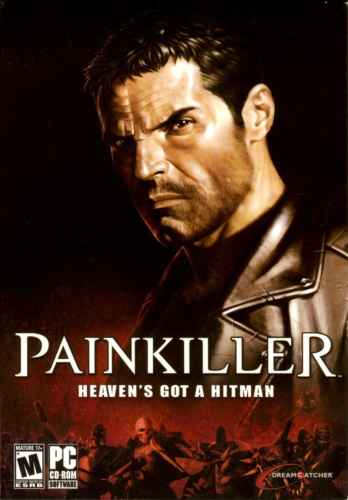 recomendo muito
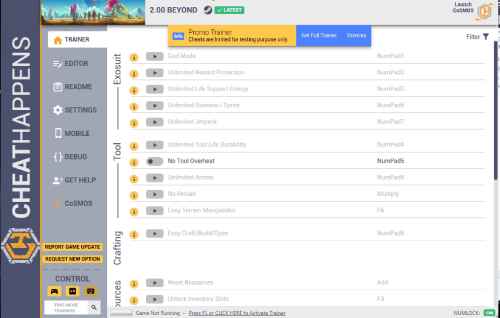 Pra ter saco de jogar muito desse jogo é necessário um trainerzinho hahaahha
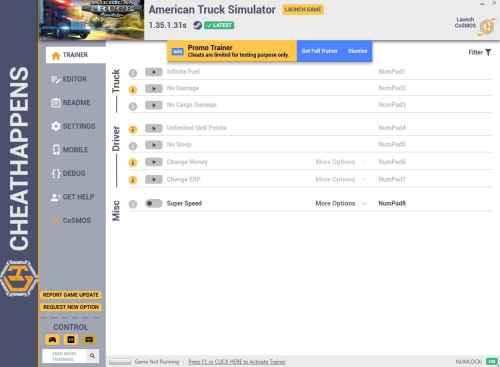 boa! Sou fã antigo de Eurotruck simulator, o american é muito bom tb
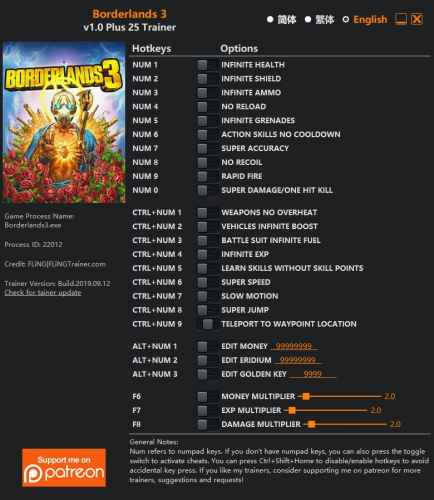 baixando ansioso
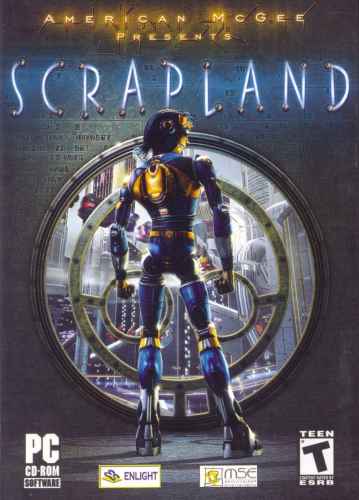 jogo underrated
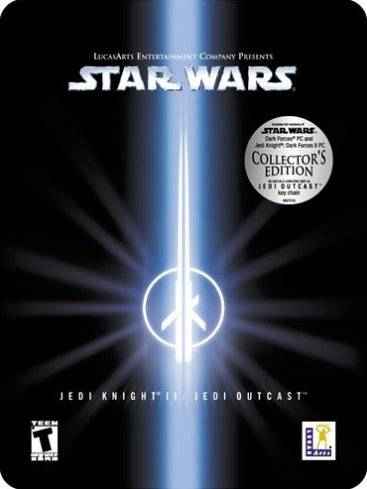 esse jogo e maravilhoso recomendo mt , agr vou poder jogar em ptbr
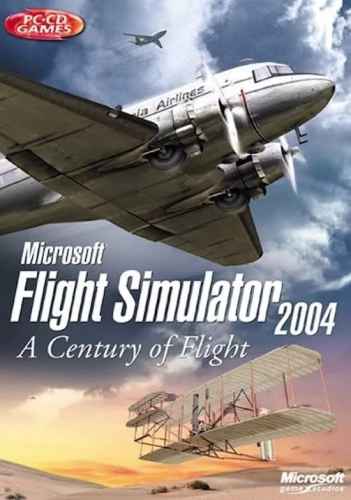 otimo, recomendo
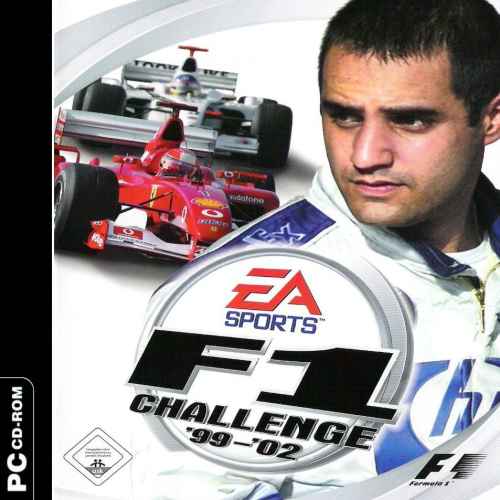 um classico a nosso alcance!
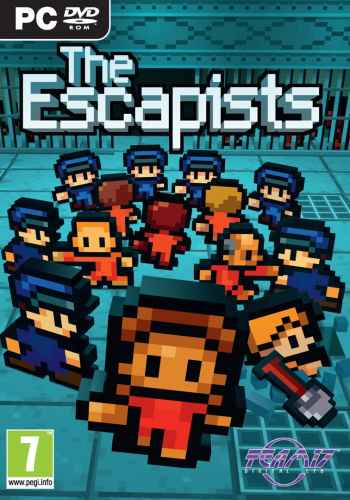 joguinho simples mas bom , uma tradução não obrigatória mas bem vinda ahahahhahah
