Jump to content
View in the app

A better way to browse. Learn more.

GGames Fórum

A full-screen app on your home screen with push notifications, badges and more.

To install this app on iOS and iPadOS
  1. Tap the Share icon in Safari
  2. Scroll the menu and tap Add to Home Screen.
  3. Tap Add in the top-right corner.
To install this app on Android
  1. Tap the 3-dot menu (⋮) in the top-right corner of the browser.
  2. Tap Add to Home screen or Install app.
  3. Confirm by tapping Install.

1 Screenshot

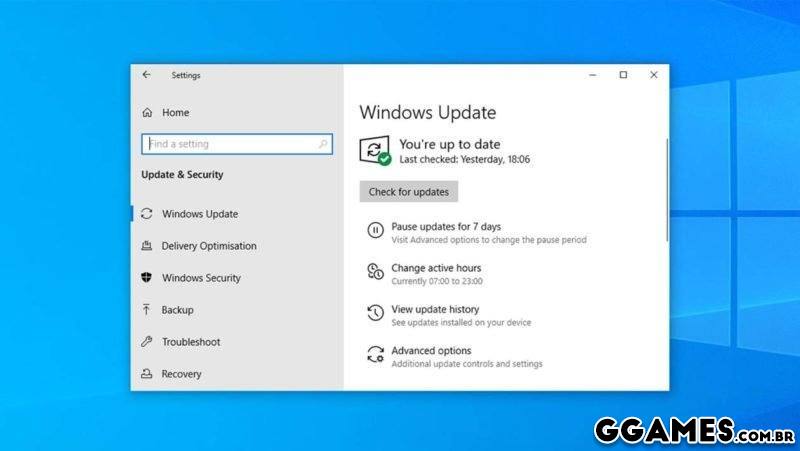
Arquivo .Bat para desabilitar e habilitar o windows update no windows 10

Somente executar o arquivo.
 

15.jpg

Edited by LeandroSexy

What's New in Version 1.0.0

See changelog

Released

No changelog available for this version.

User Feedback

You may only provide a review once you have downloaded the file.


muito bom e útil esse programa, show muito obrigado!


Sempre bom ter. O Windows é bem chato com essas atualizações.


Excelente programa


Computador pessoal é melhor estar atualizado, mas tbm pode ser usado para o usuário poder gerenciar a hora que quer atualizar, assim podendo atualizar na hora desejada, msm agendando o windows é safado e baixa a atualização


Não recomendo desabilitar as atualizações do sistema, porém pra quem procura aqui está uma solução.


Nunca mais esperar windows atualizar


Não recomendo desabilitar o Windows Update no computador pessoal. Mas, em notebooks, por exemplo, vale a pena considerar pois o update sempre atrapalha o uso. Principalmente quando se está usando o note fora de casa e tem atualização pendente. Aí você tem que evitar desligar... 

O .bat é funcional. 


Não consegui baixar. Acho que o link está off


Muito bom

   1 of 1 member found this review helpful 1 / 1 member

Bom.

   1 of 1 member found this review helpful 1 / 1 member

Obrigado

   1 of 1 member found this review helpful 1 / 1 member

vlw ksksks

   1 of 1 member found this review helpful 1 / 1 member

muito util excelente

   1 of 1 member found this review helpful 1 / 1 member

Ótimo, ninguém aguenta toda hora vir atualização sem aviso e reduzir a velocidade da net, para piorar as vezes até dá programa com algum software.

   1 of 1 member found this review helpful 1 / 1 member

Estava precisando!! Valeu!!!

   1 of 1 member found this review helpful 1 / 1 member

Merece um beijo!!! ? valeu

   1 of 1 member found this review helpful 1 / 1 member

Feito!

Configure browser push notifications

Chrome (Android)
  1. Tap the lock icon next to the address bar.
  2. Tap Permissions → Notifications.
  3. Adjust your preference.
Chrome (Desktop)
  1. Click the padlock icon in the address bar.
  2. Select Site settings.
  3. Find Notifications and adjust your preference.