
Jump to content
View in the app

A better way to browse. Learn more.

GGames Fórum

A full-screen app on your home screen with push notifications, badges and more.

To install this app on iOS and iPadOS
  1. Tap the Share icon in Safari
  2. Scroll the menu and tap Add to Home Screen.
  3. Tap Add in the top-right corner.
To install this app on Android
  1. Tap the 3-dot menu (⋮) in the top-right corner of the browser.
  2. Tap Add to Home screen or Install app.
  3. Confirm by tapping Install.

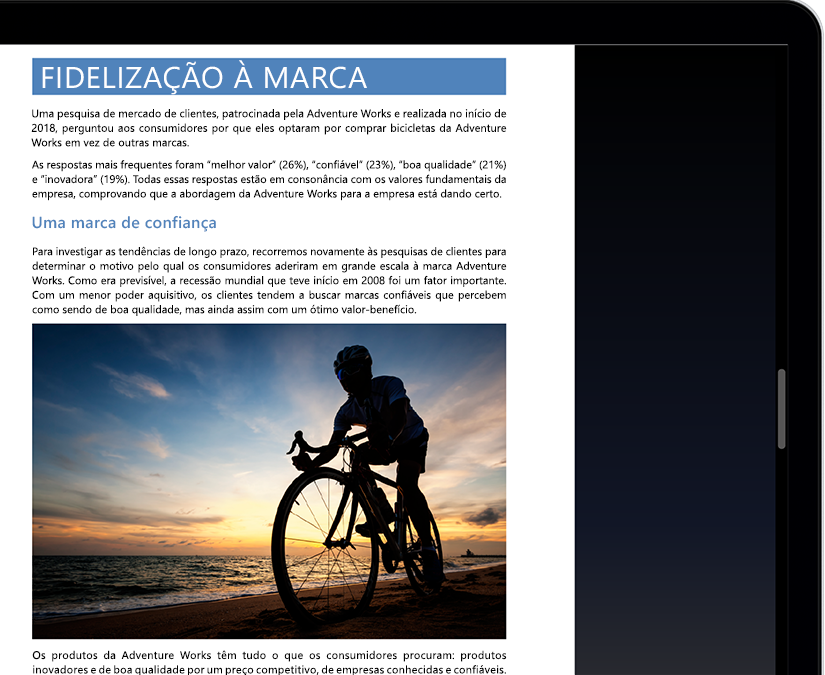
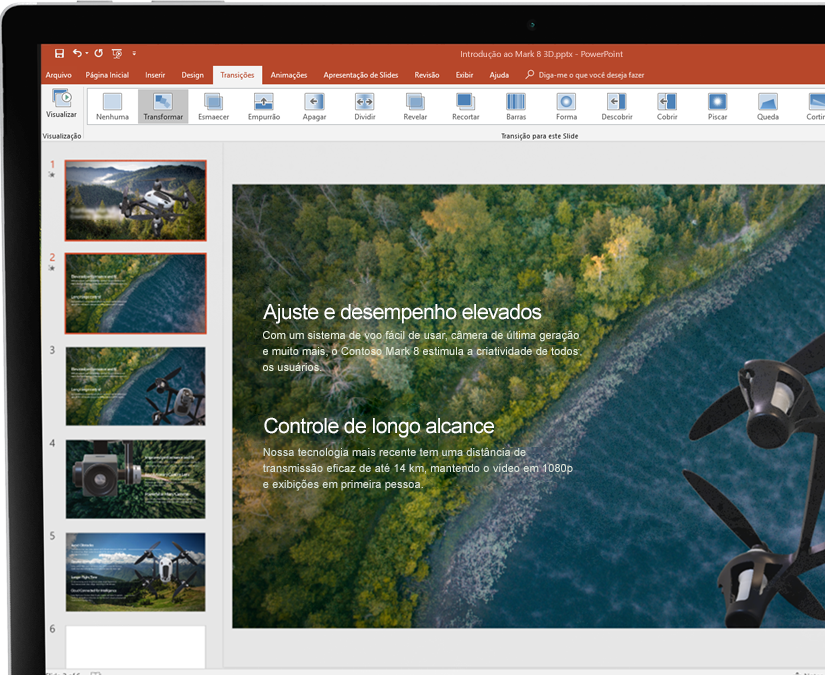
3 Screenshots

Ordem dos arquivos:

  1. (English, 3.3 GB)
  2. (Project, English, 3.3 GB)
  3. (Visio, English, 3.3 GB)
  4. (German, 3.27 GB)
  5. (Italian, 3.31 GB)
  6. (Spanish, 3.22 GB)
  7. (Chinese, 3.52 GB)
  8. (Portuguese, 3.19 GB)
  9. (Portuguese, Brazil, 3.2 GB)
  10. (French, 3.3 GB)
  11. (Czech, 3.2 GB)
  12. (Dutch, 3.2 GB)
  13. (Japanese, 3.4 GB)
  14. (Russian, 3.2 GB)
  15. (Polish, 3.2 GB)
  16. (Indonesian, 3 GB)
  17. (Arabic (Saudi Arabia), 3.2 GB)
  18. (Turkish, 3.2 GB)
  19. (Chinese (Taiwan), 3.2 GB)
  20. (Korean, 3.3 GB)
  21. (Ukrainian, 3.2 GB)
  22. (Romanian , 3.1 GB)
  23. (Thai, 3.1 GB)
  24. (Hebrew, 3.2 GB)
  25. (Vietnamese, 3 GB)
  26. (Swedish, 3.3 GB)
  27. (Hungarian, 3.3 GB)
  28. (Greek, 3.2 GB)
  29. (Danish , 3.3 GB)
  30. Office 2019 for Mac (10.12 ou Recente)


NOTA: Nenhum desses arquivos estão hospedados em nosso servidor, eles redirecionam você para o servidor da microsoft. Em caso de dúvidas use o sistema de suporte do próprio download

User Feedback

You may only provide a review once you have downloaded the file.


Muito bom!
Obrigado por compartilhar.


Formatei meu PC e está precisando do Office. Obrigado por compartilhar.


Software indispensável 


apesar do google ter diversas funcionalidades em seu "office" o da microsoft n tem comparação obrigado


muito obrigado, esta precisadno disso vlw. ? 


Simplesmente o melhor para trabalhar com planilhas no Excel, apresentações no PowerPoint, editar trabalhos acadêmicos no Word, e-mails no Outlook que inclusive suporta domínios de fora, etc.


Ele já vem com a ativação?


Melhor aplicativo para escritório.


Estava precisando... Muito bom! recomendo


excelente bastante completo! parabéns!


Excelente post. Programa fundamental para estudo, trabalho e mesmo para tarefas básicas do cotidiano.


   1 of 1 member found this review helpful 1 / 1 member

otop


ótimo


Obrigado pelo up.


Muito bom. Obrigado

   1 of 1 member found this review helpful 1 / 1 member

Obrigado pela ajuda manoooo

   1 of 1 member found this review helpful 1 / 1 member

Completo !!

   1 of 1 member found this review helpful 1 / 1 member

ótimo!

   1 of 1 member found this review helpful 1 / 1 member

Office é clássico né! rsrs. Obrigado!

   1 of 1 member found this review helpful 1 / 1 member

Melhor e mais conhecida suíte de aplicativos de escritório, funções poderosas que atendem a praticamente todos os tipos de usuários.

Configure browser push notifications

Chrome (Android)
  1. Tap the lock icon next to the address bar.
  2. Tap Permissions → Notifications.
  3. Adjust your preference.
Chrome (Desktop)
  1. Click the padlock icon in the address bar.
  2. Select Site settings.
  3. Find Notifications and adjust your preference.