





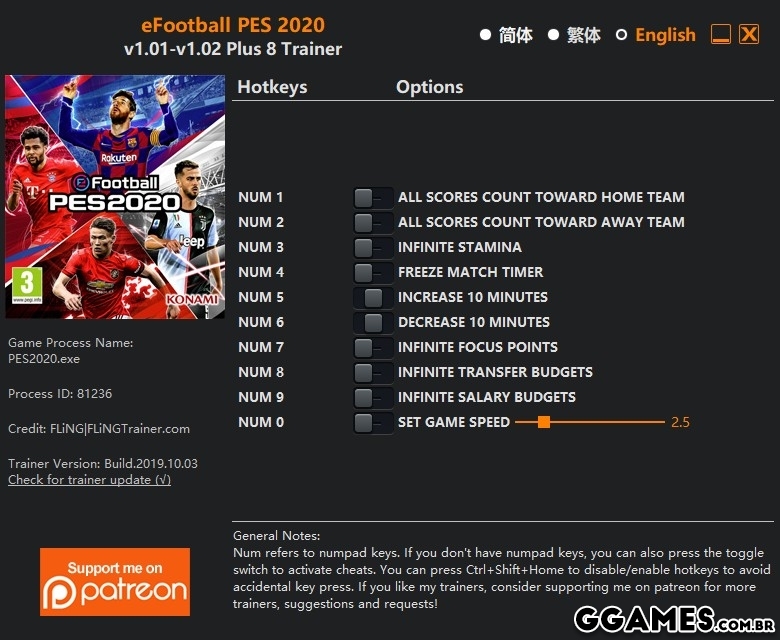
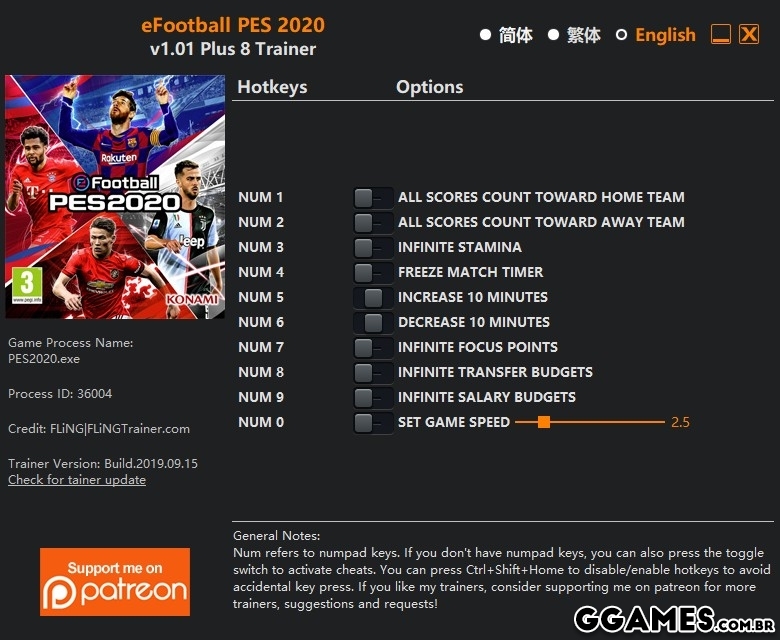
OPTIONS
Num 1 – All Scores Count Toward Home Team
Num 2 – All Scores Count Toward Away Team
Num 3 – Infinite Stamina
Num 4 – Freeze Match Timer
Num 5 – Increase 10 Minutes
Num 6 – Decrease 10 Minutes
Num 7 – Infinite Focus Points
Num 8 – Infinite Transfer Budgets
Num 9 – Infinite Salary Budgets
Num 0 – Set Game Speed
NOTES
“All Scores Count Toward Home/Away Team”: Whenever a score is made, it will always count toward home/away team depends on which option you activated.
“Infinite Transfer Budgets” and “Infinite Salary Budgets” take effect when you enter negotiation menu.
O Que Há de Novo na Versão +8 V1.01-V1.02
Visualizar log de alteraçõesLançado
Não há alterações disponível para esta versão.
-
 1
1
Você só pode fornecer uma análise uma vez que você tenha baixado o arquivo.
Não há análises para mostrar