


Note: Offline mode only.
Download : Save Game World War Z (All Upgrades, work ONLINE)
OPTIONS
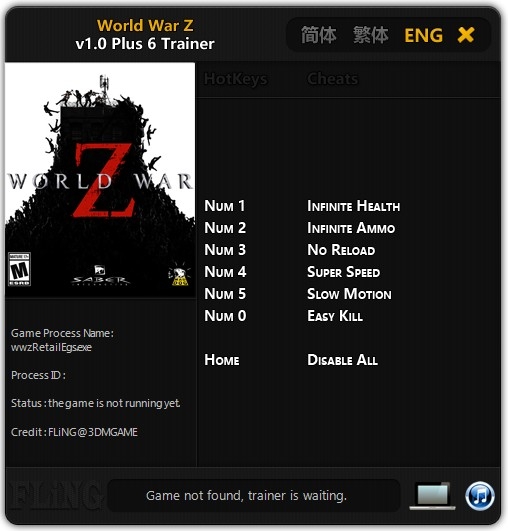
Num 1 – Infinite Health
Num 2 – Infinite Ammo
Num 3 – No Reload
Num 4 – Super Speed
Num 5 – Slow Motion
Num 6 – Add 10,000 Money (Enter your player Nickname for it to work)
Num 0 – Easy Kill
NOTES
- This trainer only work for offline mode.
- “Infinite Ammo” takes effect when reloading ammo.
- “Add 10,000 Money” takes effect when you open different menus.
- “Add 10,000 Money” requires matching your player nickname for it to work.
O Que Há de Novo na Versão +7 v1.0-v1.59
Visualizar log de alteraçõesLançado
Note: Offline mode only.
Download : Save Game World War Z (All Upgrades)
OPTIONS
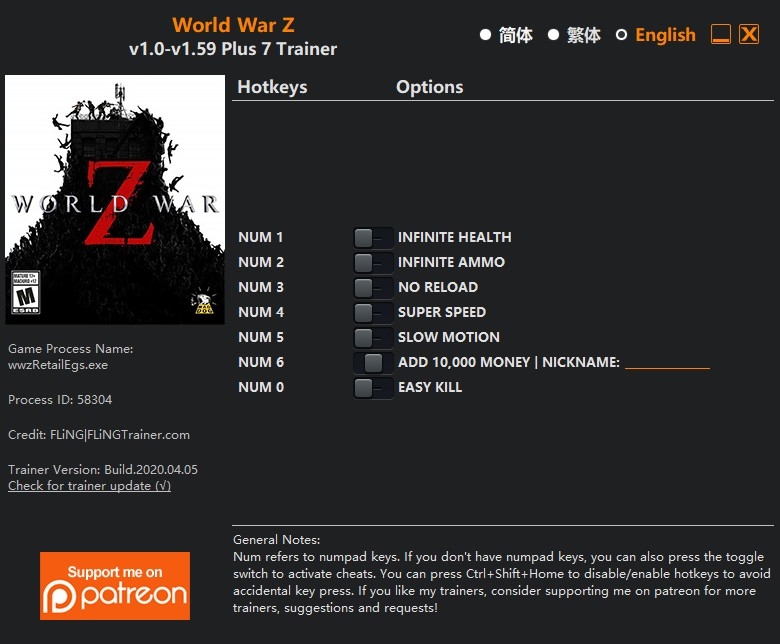
Num 1 – Infinite Health
Num 2 – Infinite Ammo
Num 3 – No Reload
Num 4 – Super Speed
Num 5 – Slow Motion
Num 6 – Add 10,000 Money (Enter your player Nickname for it to work)
Num 0 – Easy Kill
NOTES
- This trainer only work for offline mode.
- “Infinite Ammo” takes effect when reloading ammo.
- “Add 10,000 Money” takes effect when you open different menus.
- “Add 10,000 Money” requires matching your player nickname for it to work.

Você só pode fornecer uma análise uma vez que você tenha baixado o arquivo.