


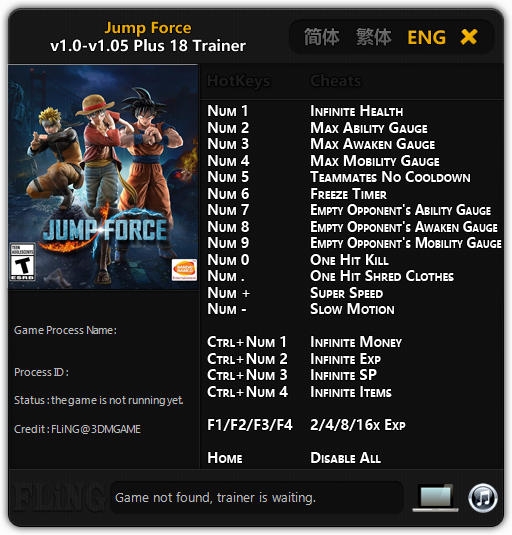
Trainer options:
- Numpad 1 - Infinite Health
- Numpad 2 - Max Ability Gauge
- Numpad 3 - Max Awaken Gauge
- Numpad 4 - Max Mobility Gauge
- Numpad 5 - Teammates No Cooldown
- Numpad 6 - Freeze Timer
- Numpad 7 - Empty Opponent's Ability Gauge
- Numpad 8 - Empty Opponent's Awaken Gauge
- Numpad 9 - Empty Opponent's Mobility Gauge
- Numpad 0 - One Hit Kill
- Numpad (.) - One Hit Shred Clothes
- Numpad (+) - Super Speed
- Numpad (-) - Slow Motion
- Ctrl + Numpad 1 - Infinite Money
- Ctrl + Numpad 2- Infinite Experience
- Ctrl + Numpad 3 - Infinite SP
- Ctrl + Numpad 4 - Infinite Items
- F1/F2/F3/F4 - 2/4/8/16x Experience
- Home - Disable All
Note: These instructions are for legit game copy, you may ignore this if you have cracked copy.
This game uses EasyAntiCheat protection, in order to launch this game without EAC, please follow these instructions:
1. Start steam in offline mode.
2. Copy "JUMP_FORCE.exe" to game directory.
3. Start game.

Você só pode fornecer uma análise uma vez que você tenha baixado o arquivo.
Não há análises para mostrar