


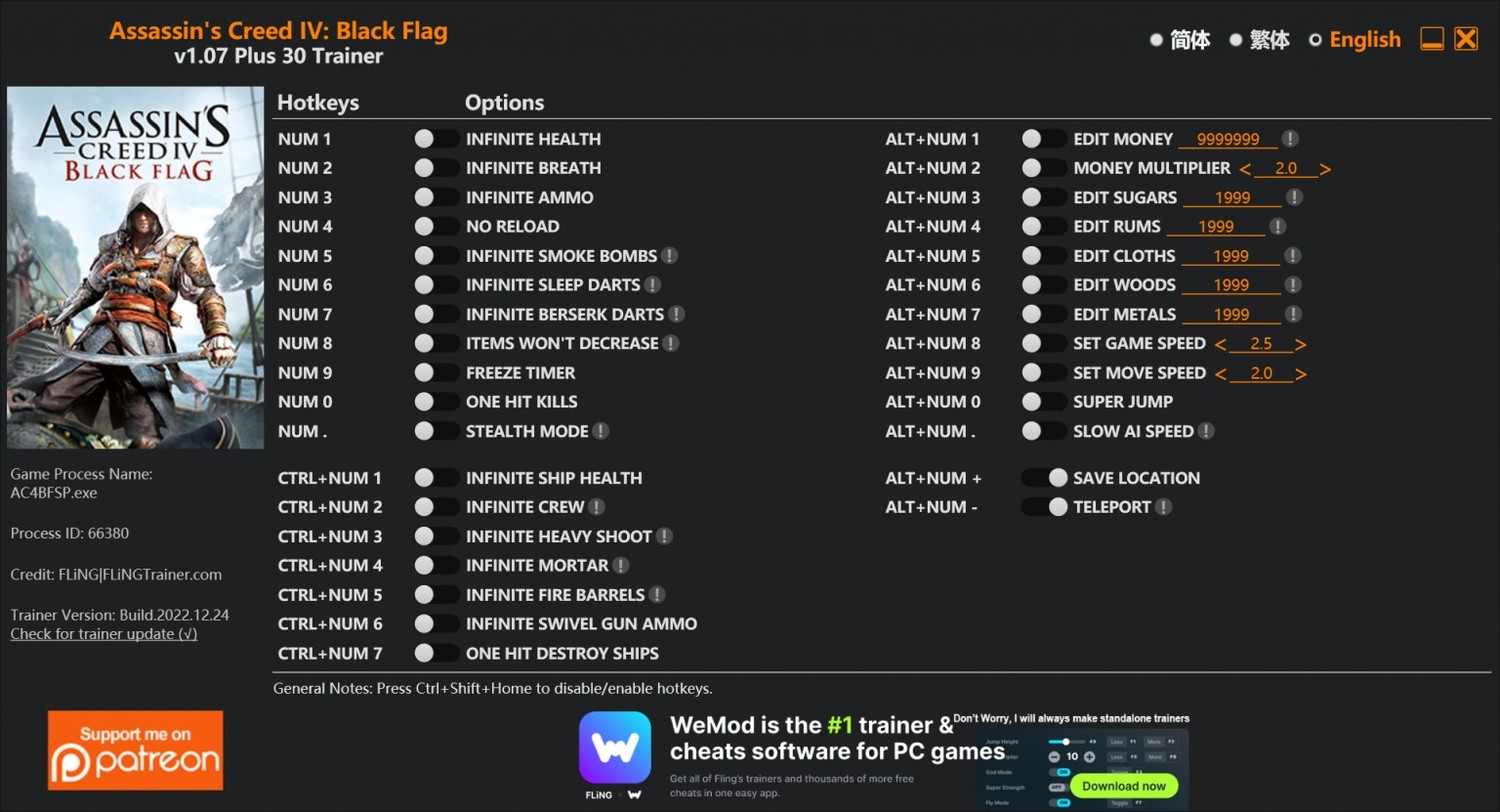
OPTIONS
Num 1 - Infinite Health
Num 2 - Infinite Breath
Num 3 - Infinite Ammo
Num 4 - No Reload
Num 5 - Infinite Smoke Bombs
Num 6 - Infinite Sleep Darts
Num 7 - Infinite Berserk Darts
Num 8 - Items Won't Decrease
Num 9 - Freeze Timer
Num 0 - One Hit Kills
Num . - Stealth Mode
Ctrl+Num 1 - Infinite Ship Health
Ctrl+Num 2 - Infinite Crew
Ctrl+Num 3 - Infinite Heavy Shoot
Ctrl+Num 4 - Infinite Mortar
Ctrl+Num 5 - Infinite Fire Barrels
Ctrl+Num 6 - Infinite Swivel Gun Ammo
Ctrl+Num 7 - One Hit Destroy Ships
Alt+Num 1 - Edit Money
Alt+Num 2 - Money Multiplier
Alt+Num 3 - Edit Sugars
Alt+Num 4 - Edit Rums
Alt+Num 5 - Edit Cloths
Alt+Num 6 - Edit Woods
Alt+Num 7 - Edit Metals
Alt+Num 8 - Set Game Speed
Alt+Num 9 - Set Move Speed
Alt+Num 0 - Super Jump
Alt+Num . - Slow AI Speed
Alt+Num + - Save Location
Alt+Num - - Teleport
O Que Há de Novo na Versão +30 V1.07
Visualizar log de alteraçõesLançado
Não há alterações disponível para esta versão.

Você só pode fornecer uma análise uma vez que você tenha baixado o arquivo.
Não há análises para mostrar