


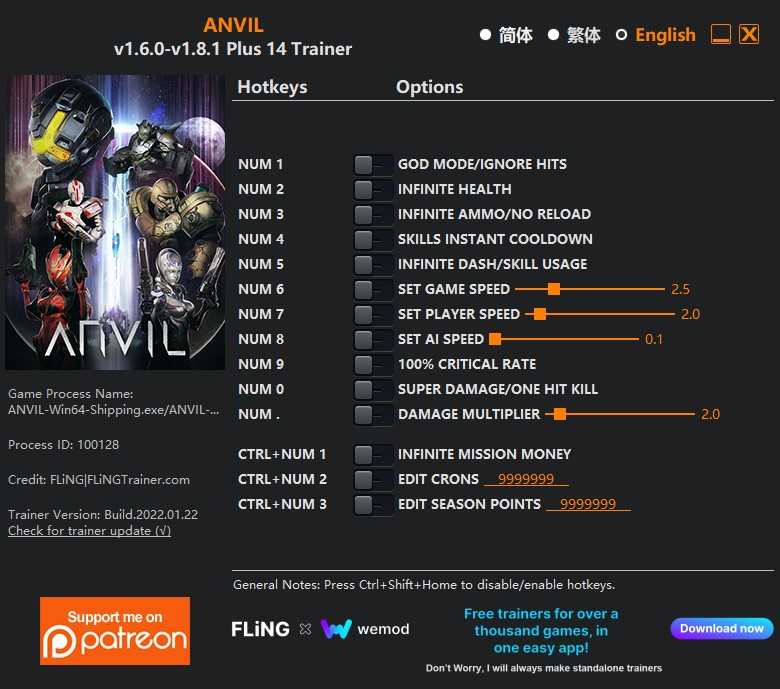
Options/Opções:
- Num 1 – God Mode/Ignore Hits
- Num 2 – Infinite Health
- Num 3 – Infinite Ammo/No Reload
- Num 4 – Skills Instant Cooldown
- Num 5 – Infinite Dash/Skill Usage
- Num 6 – Set Game Speed
- Num 7 – Set Player Speed
- Num 8 – Set AI Speed
- Num 9 – 100% Critical Rate
- Num 0 – Super Damage/One Hit Kill
- Num . – Damage Multiplier
- Ctrl+Num 1 – Infinite Mission Money
- Ctrl+Num 2 – Edit Crons
- Ctrl+Num 3 – Edit Season Points
Notes/Notas
- “Infinite Health”: Takes effect when you take damage.
- “Infinite Mission Money”: Takes effect when you gain money during mission.
- “Edit Crons”: Takes effect when you open any purchase/upgrade menu. Or start a mission then quit the mission.
- “Edit Season Points”: Takes effect when you open any purchase/upgrade menu. Or start a mission then quit the mission.

Você só pode fornecer uma análise uma vez que você tenha baixado o arquivo.
Não há análises para mostrar