


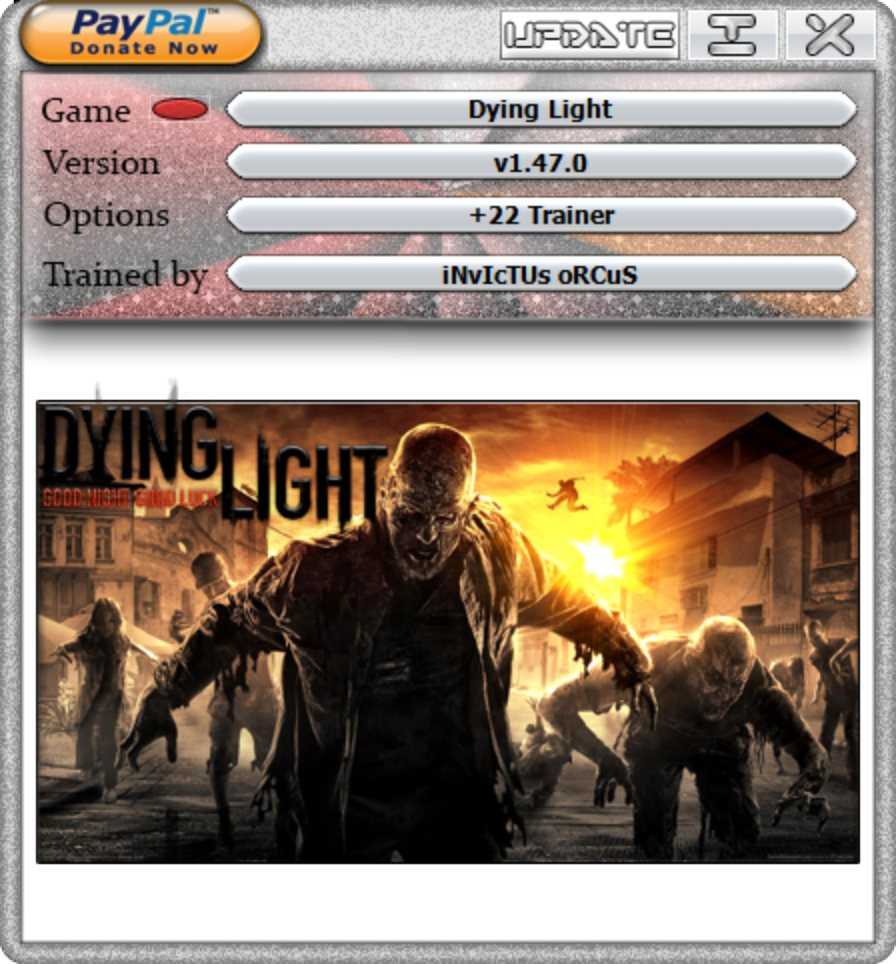
Trainer options/Opções do trainer:
- Numpad 0 - Infinite Health
- Numpad 1 - One Hit Kill
- Numpad 2 - Infinite Stamina
- Numpad 3 - Unlimited Ammo
- Numpad 4 - No Reload
- Numpad 5 - Unlimited Throwables
- Numpad 6 - Weapon Durability
- Numpad 7 - Instant Grappling Hook
- Numpad 8 - Get Items
- Numpad 9 - Add 50.000 Money
- Numpad / - Level Up (Power & Agility)
- Numpad (+) - Ghost Mode
- Numpad (-) - Level Up (Legendary Rank)
- Numpad (*) - Level Up (Survivor Rank)
- CTRL + Num 0 - Easy Lockpicking
- CTRL + Num 1 - Stop Challenge Timers
- CTRL + Num 2 - Level Up Driving Rank
- CTRL + Num 3 - Unlimited Fuel
- CTRL + Num 4 - Unlimited Nitro
- CTRL + Num 5 - Instant Rank Up
Only for Hellraid DLC/Apenas para DLC Hellraid:
- CTRL + Num 6 - Instant Rank Up
- CTRL + Num 7 - 666.666 Coins
-
 1
1

Você só pode fornecer uma análise uma vez que você tenha baixado o arquivo.
Não há análises para mostrar