


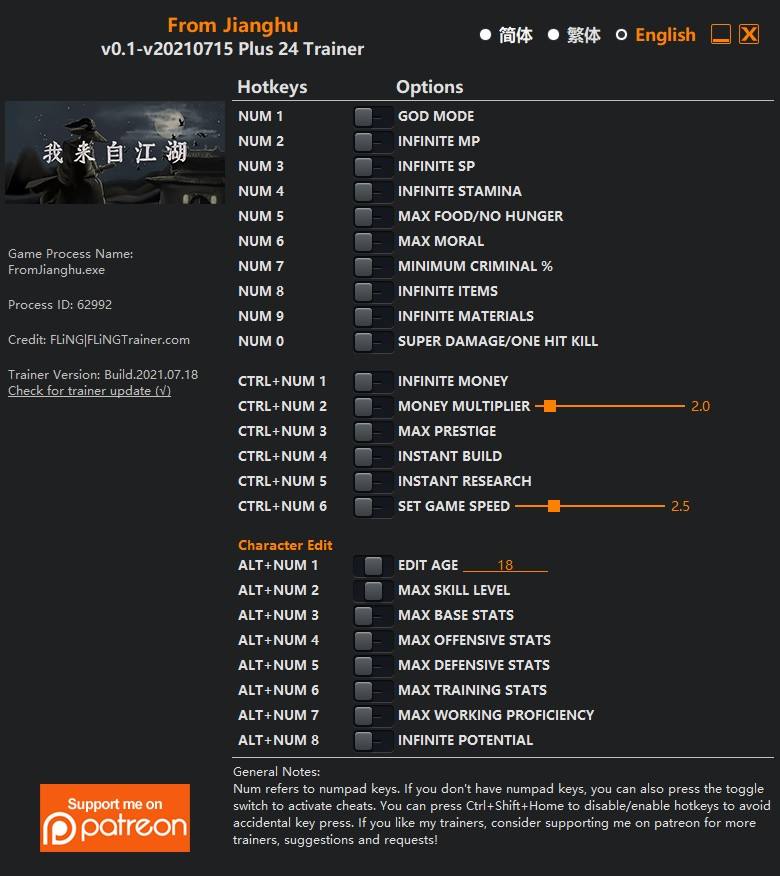
OPTIONS
- Num 1 – God Mode
- Num 2 – Infinite MP
- Num 3 – Infinite SP
- Num 4 – Infinite Stamina
- Num 5 – Max Food/No Hunger
- Num 6 – Max Moral
- Num 7 – Minimum Criminal %
- Num 8 – Infinite Items
- Num 9 – Infinite Materials
- Num 0 – Super Damage/One Hit Kill
- Ctrl+Num 1 – Infinite Money
- Ctrl+Num 2 – Money Multiplier
- Ctrl+Num 3 – Max Prestige
- Ctrl+Num 4 – Instant Build
- Ctrl+Num 5 – Instant Research
- Ctrl+Num 6 – Set Game Speed
Character Edit
- Alt+Num 1 – Edit Age
- Alt+Num 2 – Max Skill Level
- Alt+Num 3 – Max Base Stats
- Alt+Num 4 – Max Offensive Stats
- Alt+Num 5 – Max Defensive Stats
- Alt+Num 6 – Max Training Stats
- Alt+Num 7 – Max Working Proficiency
- Alt+Num 8 – Infinite Potential
NOTES
“Infinite MP” and “Infinite SP” take effects when you attack the enemy.
“Infinite Stamina”, “Max Food/No Hunger”, “Max Moral”, “Minimum Criminal %” take effects when their values update.
“Infinite Money” takes effect when gaining money.
“Max Prestige” takes effect when gaining prestige.
Character Edit: Open character stats menu to see the values change.
Character Edit: Some stats are not permanent, they will reset after loading save file.

Você só pode fornecer uma análise uma vez que você tenha baixado o arquivo.
Não há análises para mostrar