


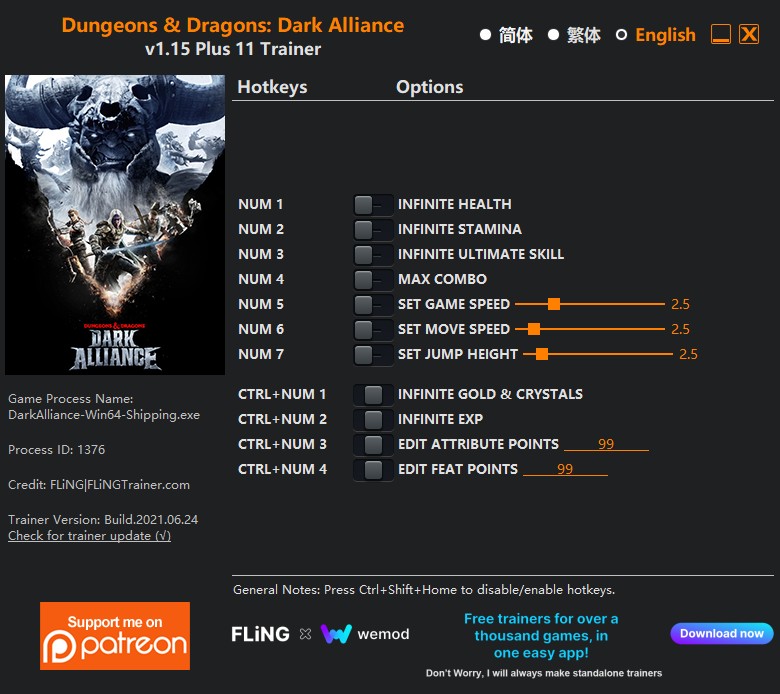
OPTIONS
- Num 1 – Infinite Health
- Num 2 – Infinite Stamina
- Num 3 – Infinite Ultimate Skill
- Num 4 – Max Combo
- Num 5 – Set Game Speed
- Num 6 – Set Move Speed
- Num 7 – Set Jump Height
- Ctrl+Num 1 – Infinite Gold & Crystals
- Ctrl+Num 2 – Infinite Exp
- Ctrl+Num 3 – Edit Attribute Points
- Ctrl+Num 4 – Edit Feat Points
NOTES
“Infinite Ultimate Skill”: When activated, the ultimate skill bar may appear empty or unchanged, but you can use ultimate skill at anytime.
“Infinite Gold & Crystals”: When activated, enter the character menu or shop, then exit the menu/shop and re-enter to see the values change.
“Infinite Exp”: When activated, enter the character menu to see the value changes.
“Edit Attribute Points”: When activated, enter the character menu to see the value changes.
“Edit Feat Points”: When activated, enter the character menu to see the value changes.
O Que Há de Novo na Versão V1.15-V1.16 plus 11
Visualizar log de alteraçõesLançado
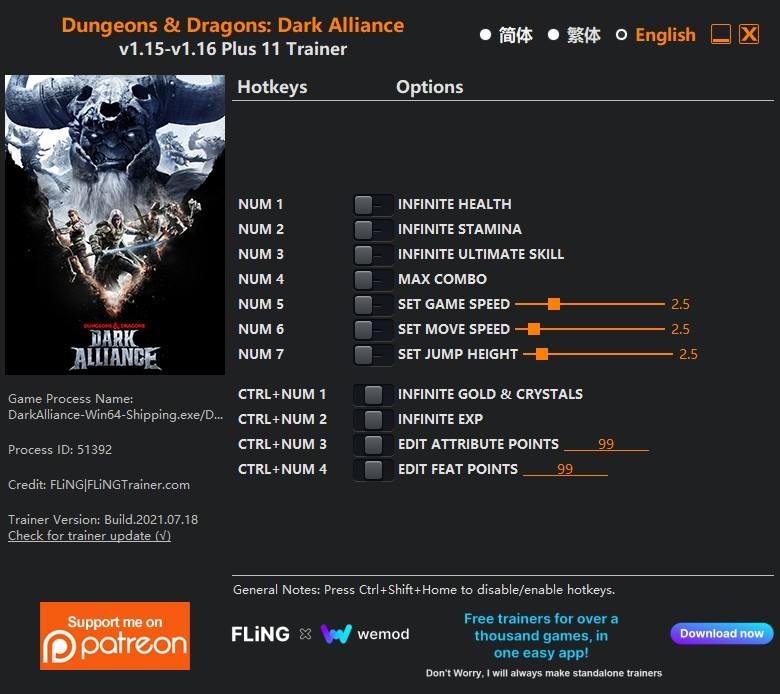
OPTIONS
- Num 1 – Infinite Health
- Num 2 – Infinite Stamina
- Num 3 – Infinite Ultimate Skill
- Num 4 – Max Combo
- Num 5 – Set Game Speed
- Num 6 – Set Move Speed
- Num 7 – Set Jump Height
- Ctrl+Num 1 – Infinite Gold & Crystals
- Ctrl+Num 2 – Infinite Exp
- Ctrl+Num 3 – Edit Attribute Points
- Ctrl+Num 4 – Edit Feat Points
NOTES
“Infinite Ultimate Skill”: When activated, the ultimate skill bar may appear empty or unchanged, but you can use ultimate skill at anytime.
“Infinite Gold & Crystals”: When activated, enter the character menu or shop, then exit the menu/shop and re-enter to see the values change.
“Infinite Exp”: When activated, enter the character menu to see the value changes.
“Edit Attribute Points”: When activated, enter the character menu to see the value changes.
“Edit Feat Points”: When activated, enter the character menu to see the value changes.
Você só pode fornecer uma análise uma vez que você tenha baixado o arquivo.
Não há análises para mostrar