


Activating this trainer
If not state otherwise below, press F1 at main menu.
Listen for 'Trainer Activated'.
Press desired hotkey. All hotkeys can be changed on the trainer.
Promo Options
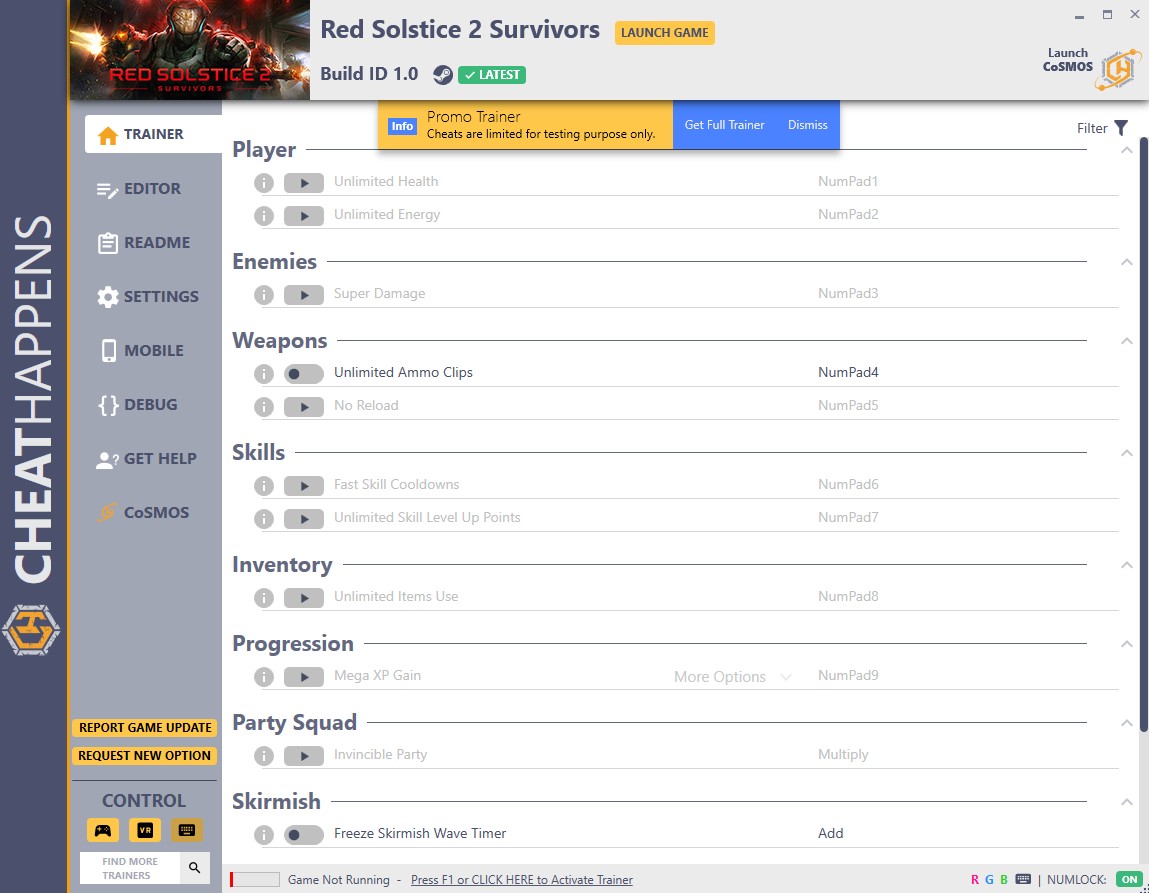
NumPad4: Unlimited Ammo Clips
Add: Freeze Skirmish Wave Timer
Subtract: Game Speed
Campaign: Deployments
Trainer Options
# Player
- NumPad1: Unlimited Health
- NumPad2: Unlimited Energy
# Enemies
- NumPad3: Super Damage
# Weapons
- NumPad4: Unlimited Ammo Clips
- NumPad5: No Reload
# Skills
- NumPad6: Fast Skill Cooldowns
- NumPad7: Unlimited Skill Level Up Points
# Inventory
- NumPad8: Unlimited Items Use
# Progression
- NumPad9: Mega XP Gain
# Party Squad
- Multiply: Invincible Party
# Skirmish
- Add: Freeze Skirmish Wave Timer
# Campaign Map
- Subtract: No Infestation
# Gameplay
- Decimal: Game Speed
Editor Options
# Skirmish
- XP Gained
# Campaign
- Supplies
- Deployments
- Max Specialists
O Que Há de Novo na Versão BUILD ID 1.3.2 plus 17
Visualizar log de alteraçõesLançado
Activating this trainer
If not state otherwise below, press F1 at main menu.
Listen for 'Trainer Activated'.
Press desired hotkey. All hotkeys can be changed on the trainer.
Promo Options
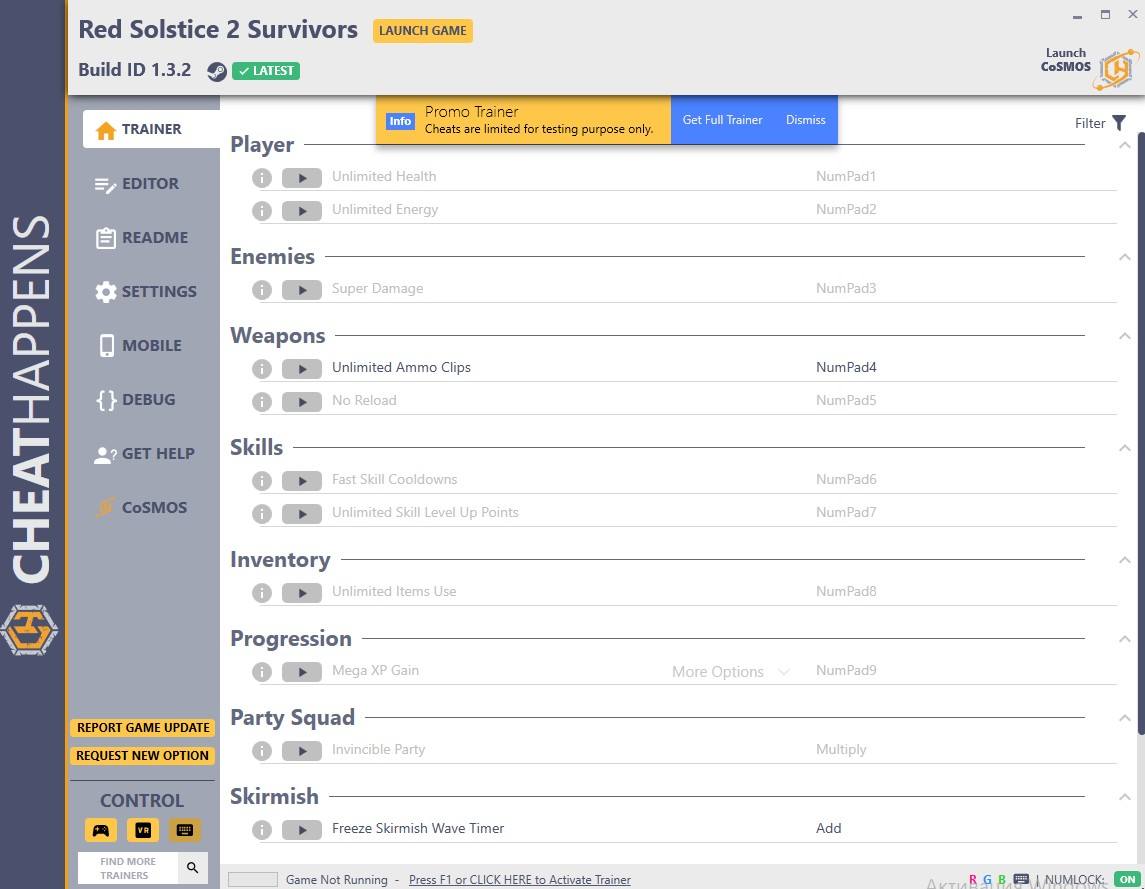
NumPad4: Unlimited Ammo Clips
Add: Freeze Skirmish Wave Timer
Subtract: Game Speed
Campaign: Deployments
Trainer Options
# Player
- NumPad1: Unlimited Health
- NumPad2: Unlimited Energy
# Enemies
- NumPad3: Super Damage
# Weapons
- NumPad4: Unlimited Ammo Clips
- NumPad5: No Reload
# Skills
- NumPad6: Fast Skill Cooldowns
- NumPad7: Unlimited Skill Level Up Points
# Inventory
- NumPad8: Unlimited Items Use
# Progression
- NumPad9: Mega XP Gain
# Party Squad
- Multiply: Invincible Party
# Skirmish
- Add: Freeze Skirmish Wave Timer
# Campaign Map
- Subtract: No Infestation
# Gameplay
- Decimal: Game Speed
Editor Options
# Skirmish
- XP Gained
# Campaign
- Supplies
- Deployments
- Max Specialists
Você só pode fornecer uma análise uma vez que você tenha baixado o arquivo.
Não há análises para mostrar