





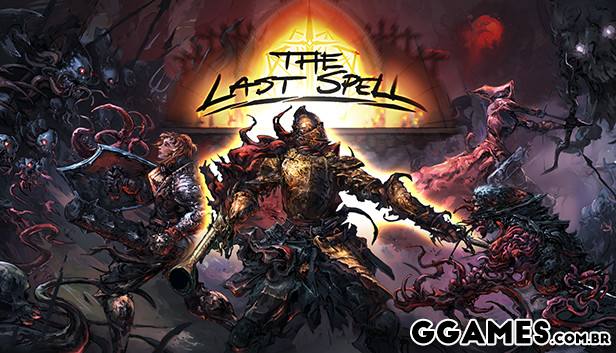
Options:
- Unlimited Health
- Unlimited Armor
- Unlimited Skill Usage
- Unlimited Action Points
- Unlimited Mana
- Unlimited Move Points
- Max Dodge Chance
- Max Reliability
- Max Skill Range
- Max Accuracy
- Max Stun Chance
- Max Critical Chance
- Edit Gold
- Edit Materials
- Edit Max Workers
- Unlimited Workers
- Unlimited Tainted Essence
- Exp Multiplier
- Edit Perk Points
- Super Damage/One Hit Kill
- Damage Multiplier
- Set Game Speed
O Que Há de Novo na Versão V8-7-21 plus 22
Visualizar log de alteraçõesLançado
Options:
- Unlimited Health
- Unlimited Armor
- Unlimited Skill Usage
- Unlimited Action Points
- Unlimited Mana
- Unlimited Move Points
- Max Dodge Chance
- Max Reliability
- Max Skill Range
- Max Accuracy
- Max Stun Chance
- Max Critical Chance
- Edit Gold
- Edit Materials
- Edit Max Workers
- Unlimited Workers
- Unlimited Tainted Essence
- Exp Multiplier
- Edit Perk Points
- Super Damage/One Hit Kill
- Damage Multiplier
- Set Game Speed
Você só pode fornecer uma análise uma vez que você tenha baixado o arquivo.
Não há análises para mostrar