


Activating this trainer
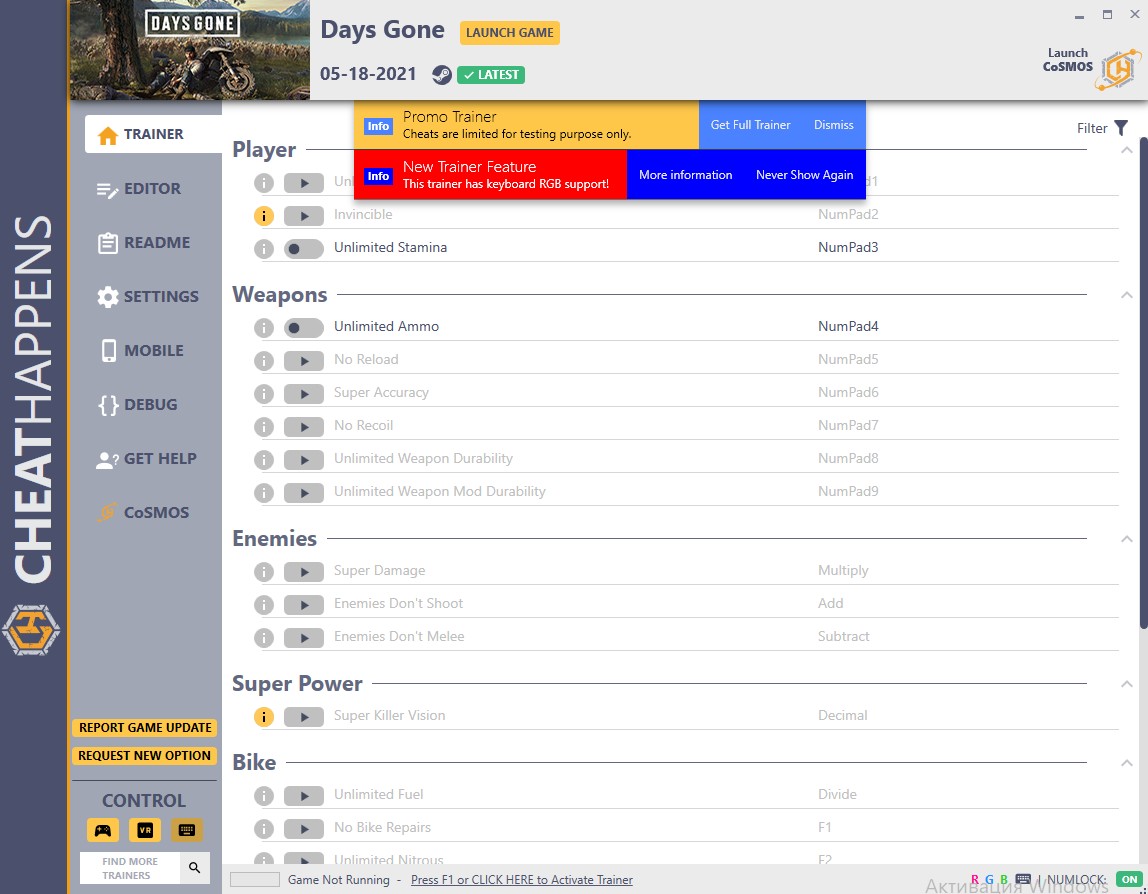
If not state otherwise below, press F1 at main menu.
Listen for 'Trainer Activated'.
Press desired hotkey. All hotkeys can be changed on the trainer.
Promo Options
NumPad3: Unlimited Stamina
NumPad4: Unlimited Ammo
F5: Game Speed
Progression: Level
Trainer Options
# Player
- NumPad1: Unlimited Health
- NumPad2: Invincible
- NumPad3: Unlimited Stamina
# Weapons
- NumPad4: Unlimited Ammo
- NumPad5: No Reload
- NumPad6: Super Accuracy
- NumPad7: No Recoil
- NumPad8: Unlimited Weapon Durability
- NumPad9: Unlimited Weapon Mod Durability
# Enemies
- Multiply: Super Damage
- Add: Enemies Don't Shoot
- Subtract: Enemies Don't Melee
# Super Power
- Decimal: Super Killer Vision
# Bike
- Divide: Unlimited Fuel
- F1: No Bike Repairs
- F2: Unlimited Nitrous
# Crafting
- F3: Easy Crafting
# Inventory
- F4: Unlimited Throwable Items
# Environment
- F5: Always Daylight
# Gameplay
- F6: Game Speed
Editor Options
# Player
- Health
# Currency
- Scrap
- Credits
# Challenges
- Timer
- Score
# Progression
- Current XP
- Next XP to Level Up
- Level
- Skill Points
# Merchant
- Trust Level
# Environment
- Total Game Time Played
Notes
As always, you should save often, as scripted games like this may not like the changes you made with the trainer.
O Que Há de Novo na Versão V1.04 HF plus 32
Visualizar log de alteraçõesLançado
Activating this trainer
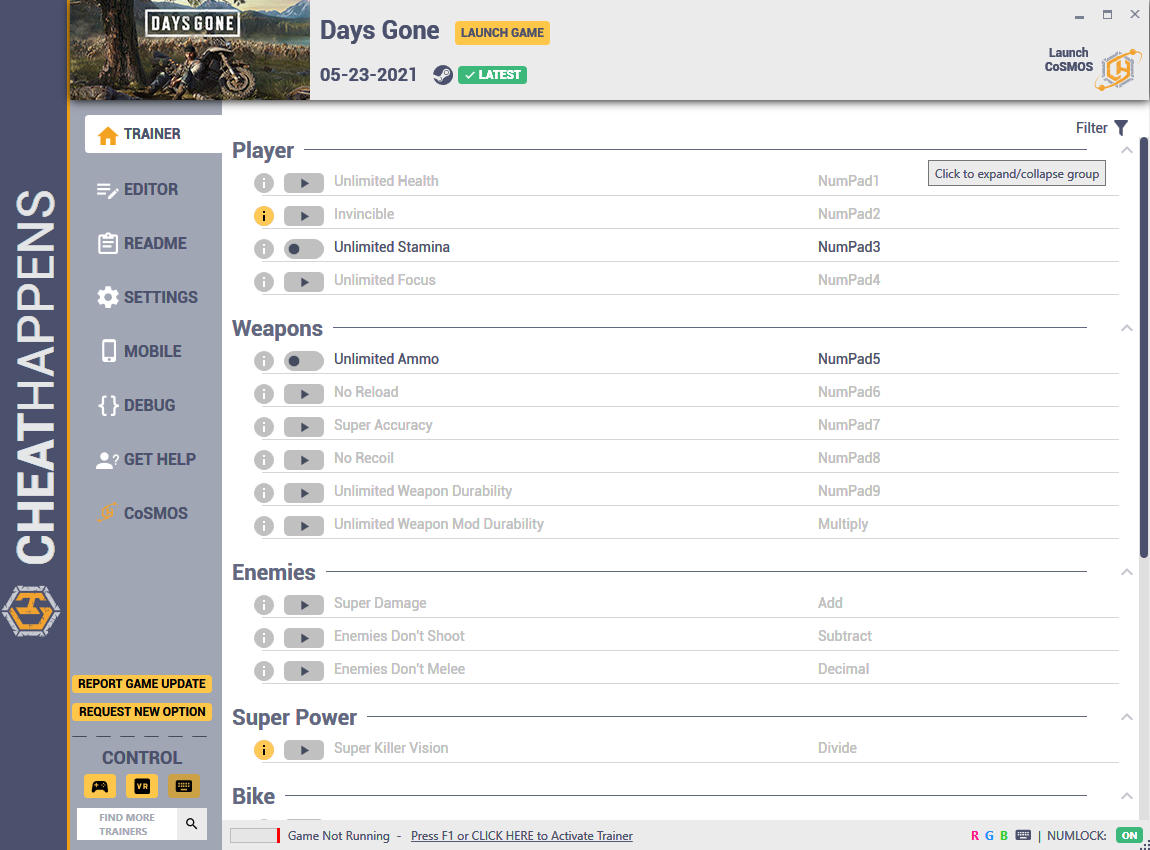
If not state otherwise below, press F1 at main menu.
Listen for 'Trainer Activated'.
Press desired hotkey. All hotkeys can be changed on the trainer.
Promo Options
NumPad3: Unlimited Stamina
NumPad5: Unlimited Ammo
F6: Game Speed
Progression: Level
Trainer Options
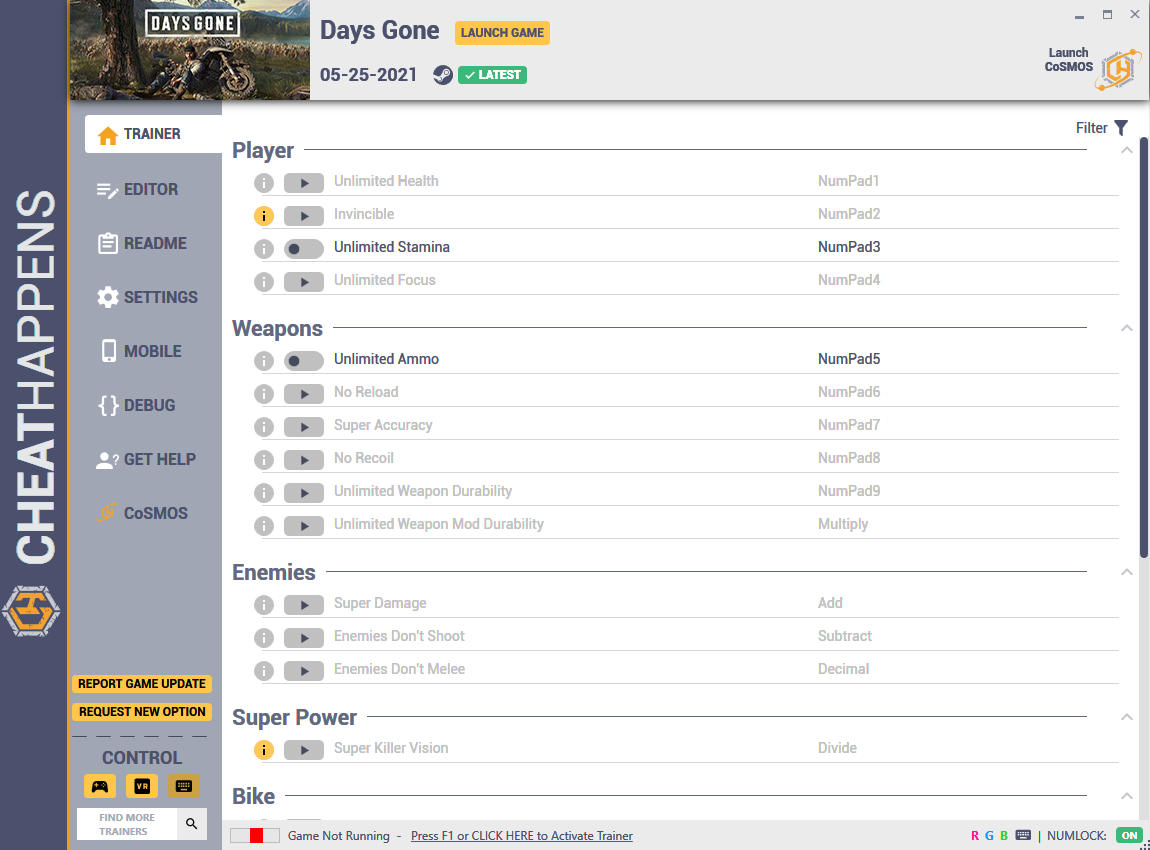
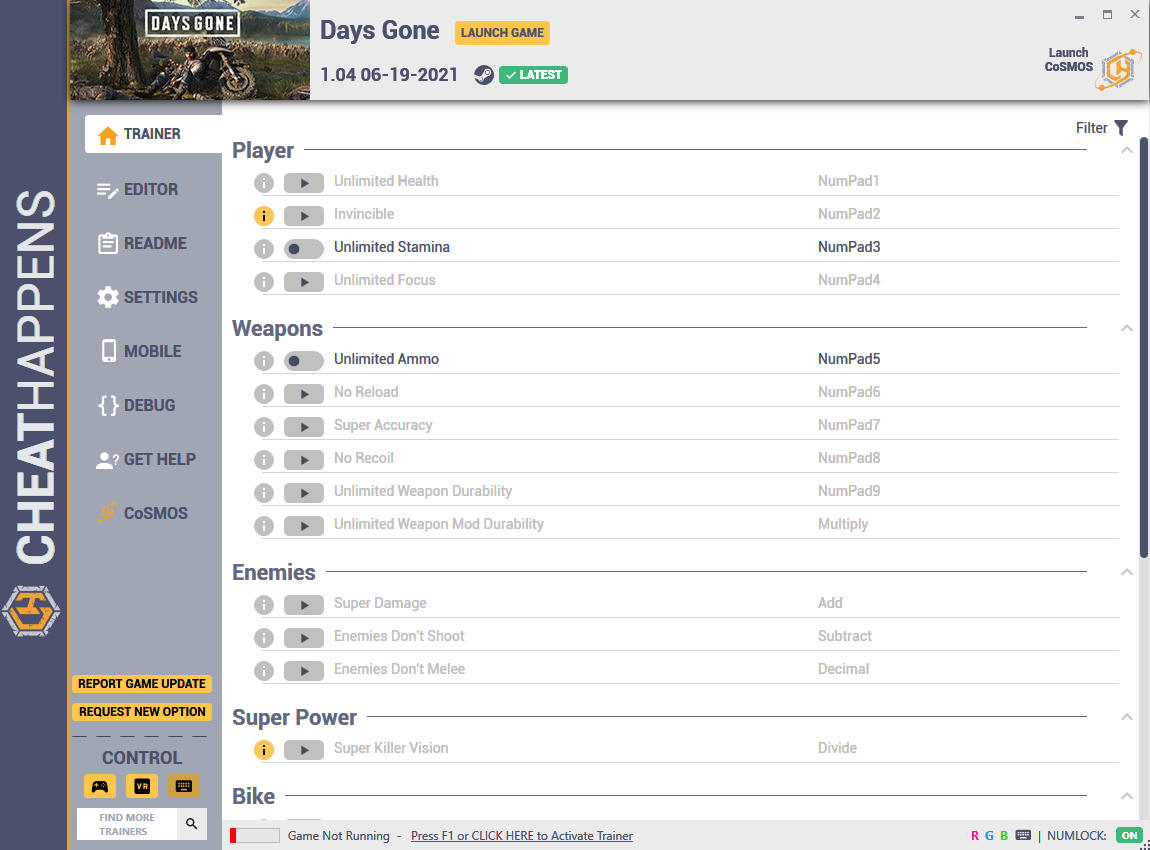
# Player
- NumPad1: Unlimited Health
- NumPad2: Invincible
- NumPad3: Unlimited Stamina
- NumPad4: Unlimited Focus
# Weapons
- NumPad5: Unlimited Ammo
- NumPad6: No Reload
- NumPad7: Super Accuracy
- NumPad8: No Recoil
- NumPad9: Unlimited Weapon Durability
- Multiply: Unlimited Weapon Mod Durability
# Enemies
- Add: Super Damage
- Subtract: Enemies Don't Shoot
- Decimal: Enemies Don't Melee
# Super Power
- Divide: Super Killer Vision
# Bike
- F1: Unlimited Fuel
- F2: No Bike Repairs
- F3: Unlimited Nitrous
# Crafting
- F4: Easy Crafting
# Inventory
- F5: Unlimited Throwable Items
# Environment
- F6: Always Daylight
# Gameplay
- F7: Game Speed
Editor Options
# Player
- Health
# Currency
- Scrap
- Credits
# Challenges
- Timer
- Score
# Progression
- Current XP
- Next XP to Level Up
- Level
- Skill Points
# Merchant
- Trust Level
# Environment
- Total Game Time Played
Notes
As always, you should save often, as scripted games like this may not like the changes you made with the trainer.
Você só pode fornecer uma análise uma vez que você tenha baixado o arquivo.
Não há análises para mostrar