


OPTIONS
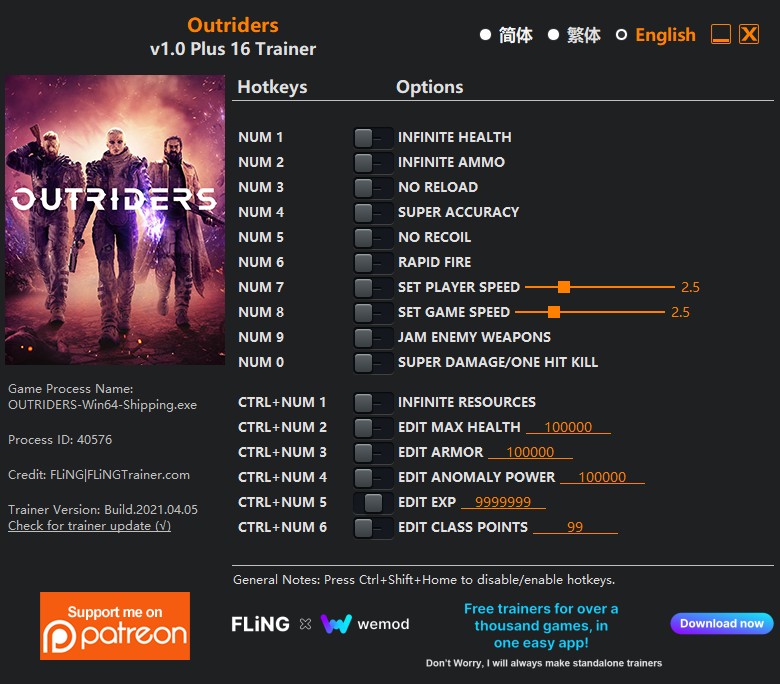
- Num 1 – Infinite Health
- Num 2 – Infinite Ammo
- Num 3 – No Reload
- Num 4 – Super Accuracy
- Num 5 – No Recoil
- Num 6 – Rapid Fire
- Num 7 – Set Player Speed
- Num 8 – Set Game Speed
- Num 9 – Jam Enemy Weapons
- Num 0 – Super Damage/One Hit Kill
- Ctrl+Num 1 – Infinite Resources
- Ctrl+Num 2 – Edit Max Health
- Ctrl+Num 3 – Edit Armor
- Ctrl+Num 4 – Edit Anomaly Power
- Ctrl+Num 5 – Edit Exp
- Ctrl+Num 6 – Edit Class Points
NOTES
“Edit Class Points”: Takes effect when opening menu. If you activate this option while in the menu, you’ll need to close and re-open the menu in order to change class points.
SPECIAL NOTES
This game uses EasyAntiCheat protection, in order to launch this game without EAC, please follow these instructions:
1. Copy “EAC_OUTRIDERS.exe” to game directory.
2. Start game.
O Que Há de Novo na Versão V1.0-V1.11 plus 19
Visualizar log de alteraçõesLançado
Note: Single player only.
OPTIONS
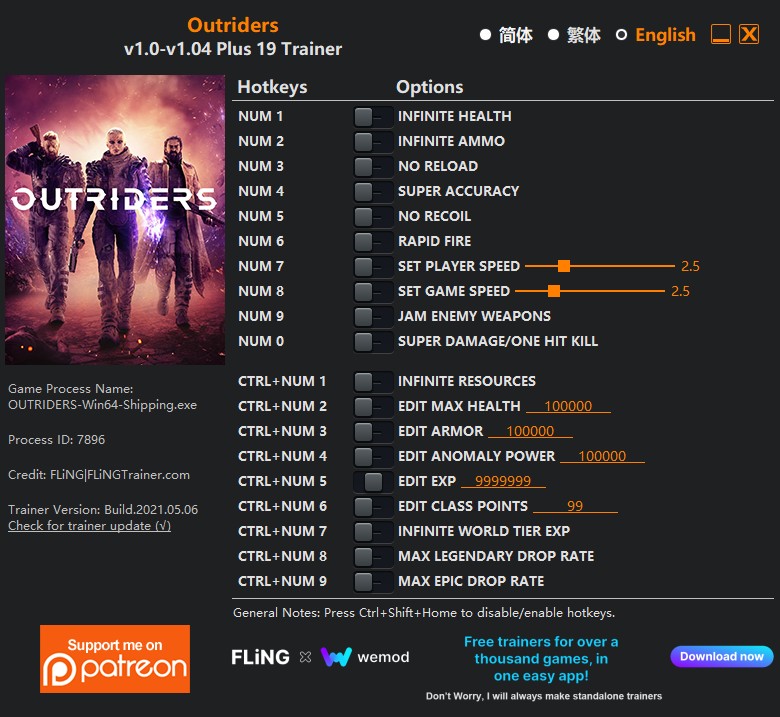
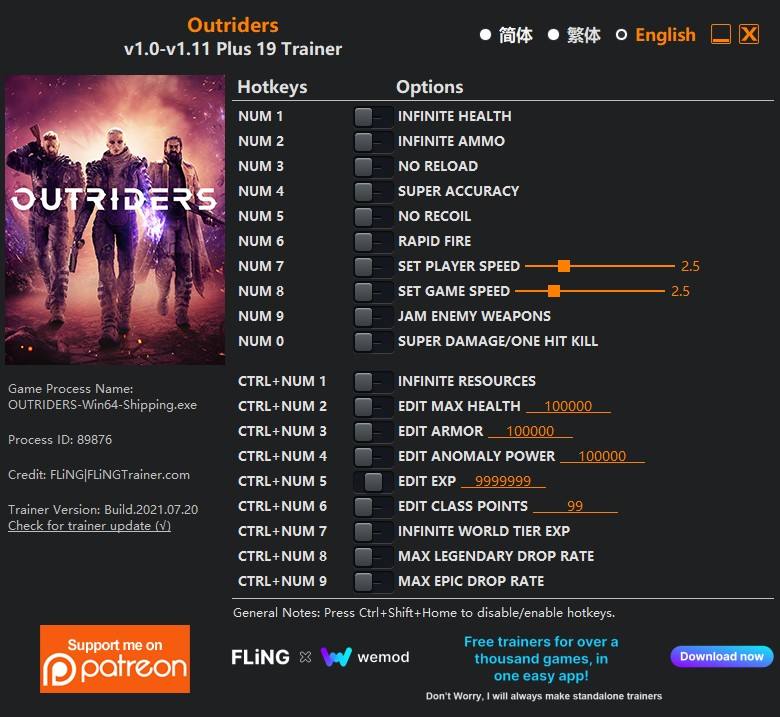
- Num 1 – Infinite Health
- Num 2 – Infinite Ammo
- Num 3 – No Reload
- Num 4 – Super Accuracy
- Num 5 – No Recoil
- Num 6 – Rapid Fire
- Num 7 – Set Player Speed
- Num 8 – Set Game Speed
- Num 9 – Jam Enemy Weapons
- Num 0 – Super Damage/One Hit Kill
- Ctrl+Num 1 – Infinite Resources
- Ctrl+Num 2 – Edit Max Health
- Ctrl+Num 3 – Edit Armor
- Ctrl+Num 4 – Edit Anomaly Power
- Ctrl+Num 5 – Edit Exp
- Ctrl+Num 6 – Edit Class Points
- Ctrl+Num 7 – Infinite World Tier Exp
- Ctrl+Num 8 – Max Legendary Drop Rate
- Ctrl+Num 9 – Max Epic Drop Rate
NOTES
“Edit Class Points”: Takes effect when opening menu. If you activate this option while in the menu, you’ll need to close and re-open the menu in order to change class points.
“Infinite World Tier Exp”: Takes effect when killing enemies. Note you may need to finish the battle or mission in order to level up world tier.
SPECIAL NOTES
This game uses EasyAntiCheat protection, in order to launch this game without EAC, please follow these instructions:
1. Copy “EAC_OUTRIDERS.exe” to game directory.
2. Start game.
Você só pode fornecer uma análise uma vez que você tenha baixado o arquivo.
Não há análises para mostrar