Jump to content
View in the app

A better way to browse. Learn more.

GGames Fórum

A full-screen app on your home screen with push notifications, badges and more.

To install this app on iOS and iPadOS
  1. Tap the Share icon in Safari
  2. Scroll the menu and tap Add to Home Screen.
  3. Tap Add in the top-right corner.
To install this app on Android
  1. Tap the 3-dot menu (⋮) in the top-right corner of the browser.
  2. Tap Add to Home screen or Install app.
  3. Confirm by tapping Install.

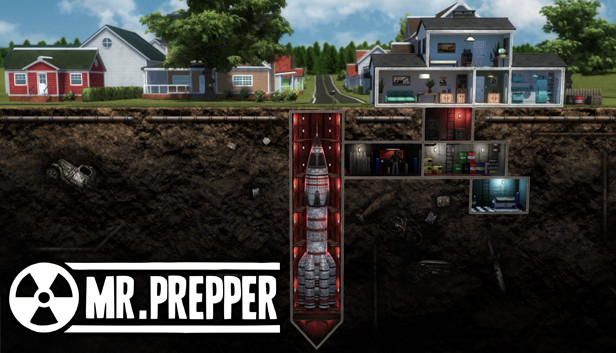
Save Game Mr. Prepper (Save para Conquistas)

(0 reviews)
https://g.ggames.com.br/files/file/2920-save-game-mr-prepper/

1 Screenshot

Save para pegar as Conquistas The Original Prepper, Speedrunner e Zero Deaths

Instalação:

     Copie o conteúdo da pasta SAVE GAME para C:\Games\Steam\steamapps\common\MrPrepper

The Original Prepper (Sobreviver por 1 ano): Carregue o save "Mr Prepper 1" e sobreviva a um dia (durma após as 20:00)

Speedrunner (Termine o jogo em 30 dias) e Zero Deaths (Termine o jogo sem desmaiar): Carregue o save "Fast Run" e aperte o botão vermelho no segundo andar da casa.

Créditos: MATPAC

https://g.ggames.com.br/files/file/2920-save-game-mr-prepper/

User Feedback

You may only provide a review once you have downloaded the file.

There are no reviews to display.

Configure browser push notifications

Chrome (Android)
  1. Tap the lock icon next to the address bar.
  2. Tap Permissions → Notifications.
  3. Adjust your preference.
Chrome (Desktop)
  1. Click the padlock icon in the address bar.
  2. Select Site settings.
  3. Find Notifications and adjust your preference.