





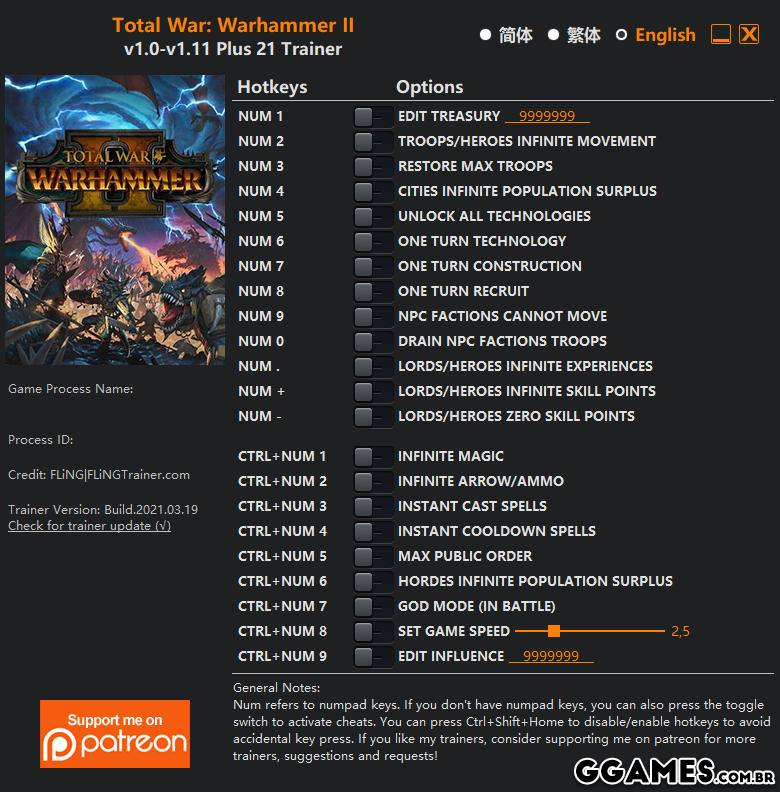
OPTIONS
- Num 1 – Edit Treasury
- Num 2 – Troops/Heroes Infinite Movement
- Num 3 – Restore Max Troops
- Num 4 – Cities Infinite Population Surplus
- Num 5 – Unlock All Technologies
- Num 6 – One Turn Technology
- Num 7 – One Turn Construction
- Num 8 – One Turn Recruit
- Num 9 – NPC Factions Cannot Move
- Num 0 – Drain NPC Factions Troops
- Num . – Lords/Heroes Infinite Experiences
- Num + – Lords/Heroes Infinite Skill Points
- Num – – Lords/Heroes Zero Skill Points
- Ctrl+Num 1 – Infinite Magic
- Ctrl+Num 2 – Infinite Arrow/Ammo
- Ctrl+Num 3 – Instant Cast Spells
- Ctrl+Num 4 – Instant Cooldown Spells
- Ctrl+Num 5 – Max Public Order
- Ctrl+Num 6 – Hordes Infinite Population Surplus
- Ctrl+Num 7 – God Mode (In Battle)
- Ctrl+Num 8 – Set Game Speed
- Ctrl+Num 9 – Edit Influence
NOTES
“Unlock All Technologies” takes effect when opening research/technology menu, you’ll need to save and reload in order for technologies to have effects.
“Restore Max Troops”, “Drain NPC Factions Troops” take effects on map, not during battles.
O Que Há de Novo na Versão V1.0-V1.12 plus 21
Visualizar log de alteraçõesLançado
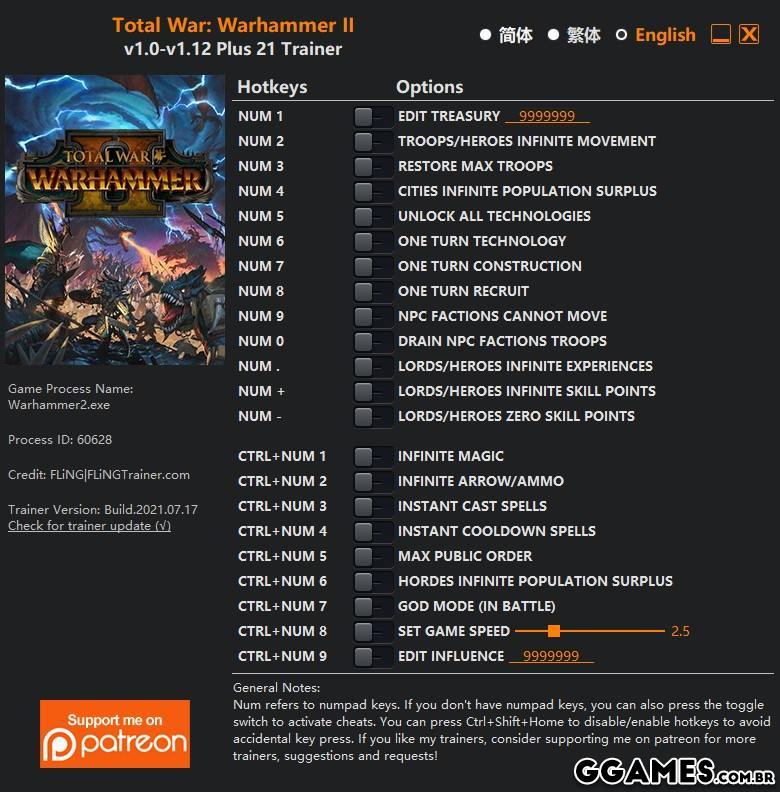
OPTIONS
- Num 1 – Edit Treasury
- Num 2 – Troops/Heroes Infinite Movement
- Num 3 – Restore Max Troops
- Num 4 – Cities Infinite Population Surplus
- Num 5 – Unlock All Technologies
- Num 6 – One Turn Technology
- Num 7 – One Turn Construction
- Num 8 – One Turn Recruit
- Num 9 – NPC Factions Cannot Move
- Num 0 – Drain NPC Factions Troops
- Num . – Lords/Heroes Infinite Experiences
- Num + – Lords/Heroes Infinite Skill Points
- Num – – Lords/Heroes Zero Skill Points
- Ctrl+Num 1 – Infinite Magic
- Ctrl+Num 2 – Infinite Arrow/Ammo
- Ctrl+Num 3 – Instant Cast Spells
- Ctrl+Num 4 – Instant Cooldown Spells
- Ctrl+Num 5 – Max Public Order
- Ctrl+Num 6 – Hordes Infinite Population Surplus
- Ctrl+Num 7 – God Mode (In Battle)
- Ctrl+Num 8 – Set Game Speed
- Ctrl+Num 9 – Edit Influence
NOTES
“Unlock All Technologies” takes effect when opening research/technology menu, you’ll need to save and reload in order for technologies to have effects.
“Restore Max Troops”, “Drain NPC Factions Troops” take effects on map, not during battles.
Você só pode fornecer uma análise uma vez que você tenha baixado o arquivo.
Não há análises para mostrar