


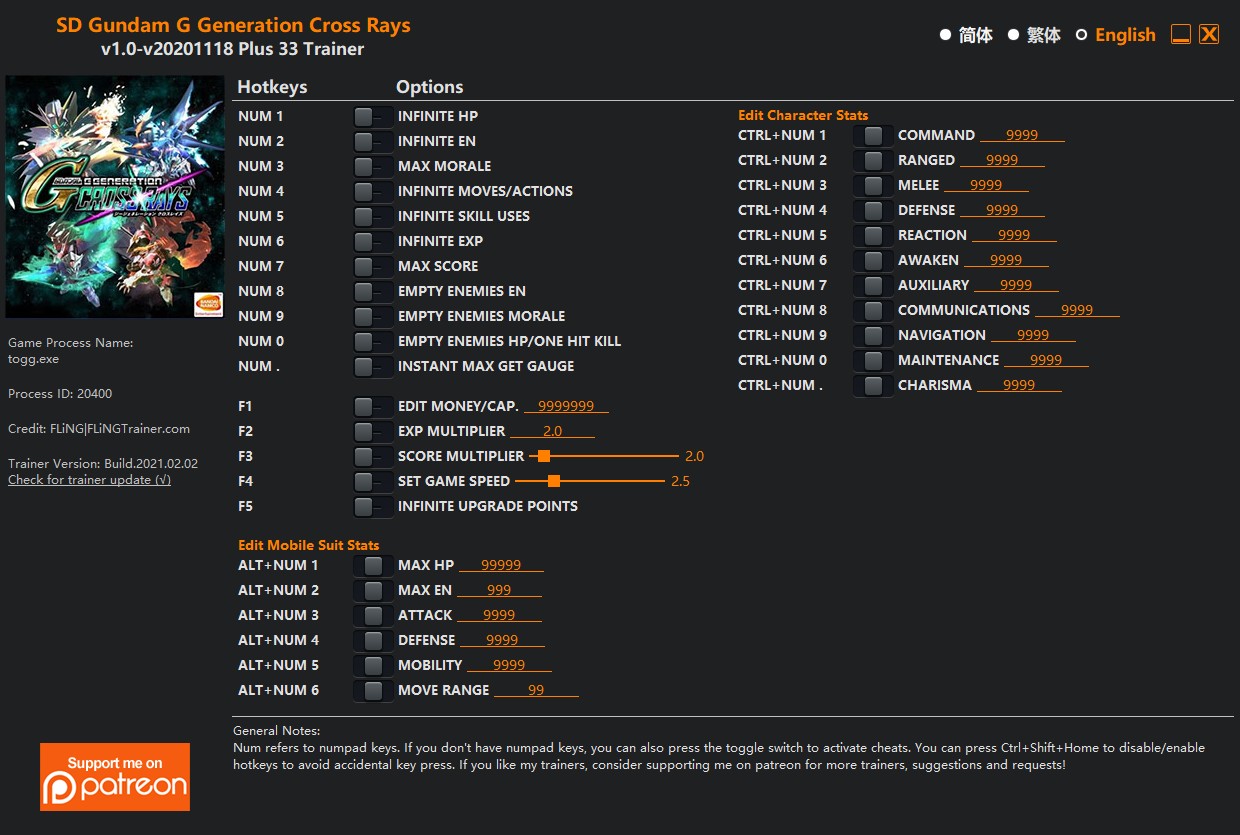
OPTIONS
- Num 1 – Infinite HP
- Num 2 – Infinite EN
- Num 3 – Max Morale
- Num 4 – Infinite Moves/Actions
- Num 5 – Infinite Skill Uses
- Num 6 – Infinite Exp
- Num 7 – Max Score
- Num 8 – Empty Enemies EN
- Num 9 – Empty Enemies Morale
- Num 0 – Empty Enemies HP/One Hit Kill
- Num . – Instant Max Get Gauge
- F1 – Edit Money/CAP.
- F2 – Exp Multiplier
- F3 – Score Multiplier
- F4 – Set Game Speed
- F5 – Infinite Upgrade Points
Edit Character Stats
- Ctrl+Num 1 – Command
- Ctrl+Num 2 – Ranged
- Ctrl+Num 3 – Melee
- Ctrl+Num 4 – Defense
- Ctrl+Num 5 – Reaction
- Ctrl+Num 6 – Awaken
- Ctrl+Num 7 – Auxiliary
- Ctrl+Num 8 – Communications
- Ctrl+Num 9 – Navigation
- Ctrl+Num 0 – Maintenance
- Ctrl+Num . – Charisma
Edit Mobile Suit Stats
- Alt+Num 1 – Max HP
- Alt+Num 2 – Max EN
- Alt+Num 3 – Attack
- Alt+Num 4 – Defense
- Alt+Num 5 – Mobility
- Alt+Num 6 – Move Range
NOTES
“Infinite Exp” takes effect when you gain Exp; “Max Score” takes effect when you gain score.
Edit Character Stats options: Use when you are in character stats menu, then close and re-open character stats menu to see the values change.
Edit Mobile Suit Stats options: Use when you are in mobile suit stats menu, then close and re-open mobile suit stats menu to see the values change.
“Instant Max Get Gauge” takes effect when Get gauge increases.
“Infinite HP”: Note some skills damage scales with HP where lower HP deals higher damage, this option gives you super high HP and will cause those skills to deal 0 damage.
“Infinite Upgrade Points” takes effect when upgrade points change. Note when you spend more points than you should normally have, the next time you level up will have negative upgrade points, this is normal. You can also use this option again to change upgrade points even if it is negative.

Você só pode fornecer uma análise uma vez que você tenha baixado o arquivo.
Não há análises para mostrar