


Activating this trainer
If not state otherwise below, press F1 at main menu.
Listen for 'Trainer Activated'.
Press desired hotkey. All hotkeys can be changed on the trainer.
Promo Options
NumPad5: Game Speed
Trainer Options
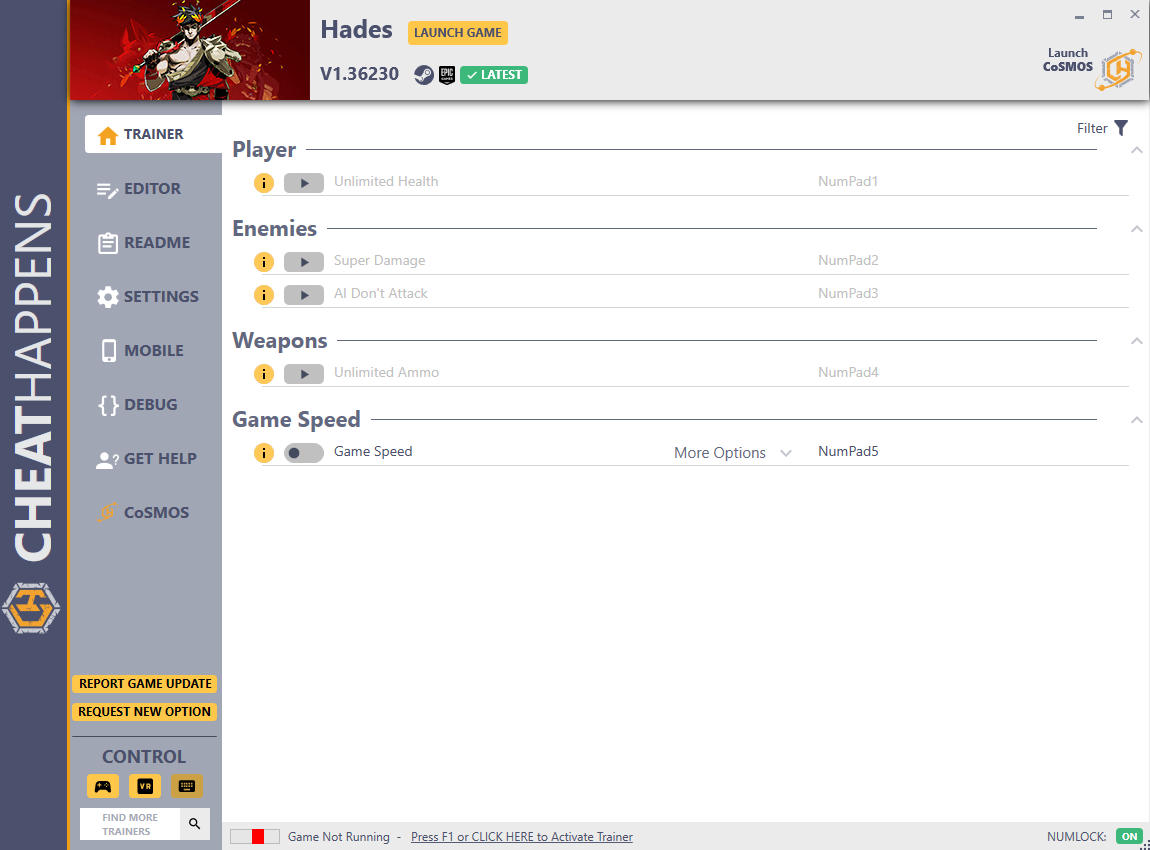
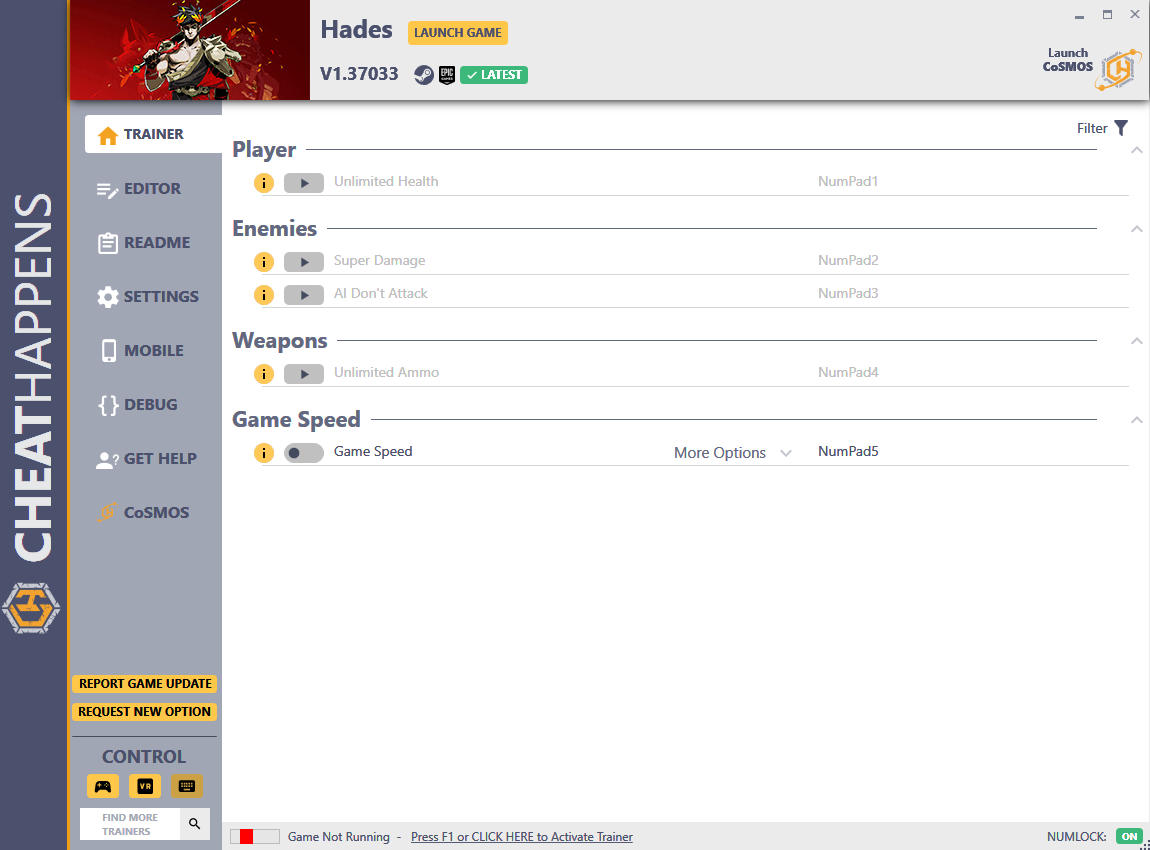
# Player
- NumPad1: Unlimited Health
# Enemies
- NumPad2: Super Damage
- NumPad3: AI Don't Attack
# Weapons
- NumPad4: Unlimited Ammo
# Game Speed
- NumPad5: Game Speed
Editor Options
# Currency
- Gold
- Darkness
- Keys
- Reroll Stones
- Gemstones
- Diamonds
- Titan Blood
- Nectar
- Ambrosia
Notes
EDITOR OPTIONS
The best time to use the EDITOR options is when you FIRST enter a level when you start. The values being shown are likely the current values for you.
For "Health of Being Just Damaged" option, the value that fills is the health of the MOST RECENT BEING THAT HAD HEALTH CHANGED. In other words, if YOU take damage, then PAUSE the game, the value shown is YOUR health. In most cases when you load into the game, the health shown is yours. You can also use this to change the health of whatever you just attacked. If you set this to a very high value, it will remain high until you take a potion, upgrage your health, or otherwise do something that resets your health to the normal max. Enter the new value, then press TAB.
For the other options, you need to collect at least ONE of the item, then it will show in the editor, then you can edit it and press TAB.
Game Speed:
Toggle on to affect game speed.
O Que Há de Novo na Versão V1.37332 plus 14
Visualizar log de alteraçõesLançado
Activating this trainer
If not state otherwise below, press F1 at main menu.
Listen for 'Trainer Activated'.
Press desired hotkey. All hotkeys can be changed on the trainer.
Promo Options
NumPad4: Unlimited Ammo
NumPad5: Game Speed
Currency: Reroll Stones
Currency: Nectar
Trainer Options
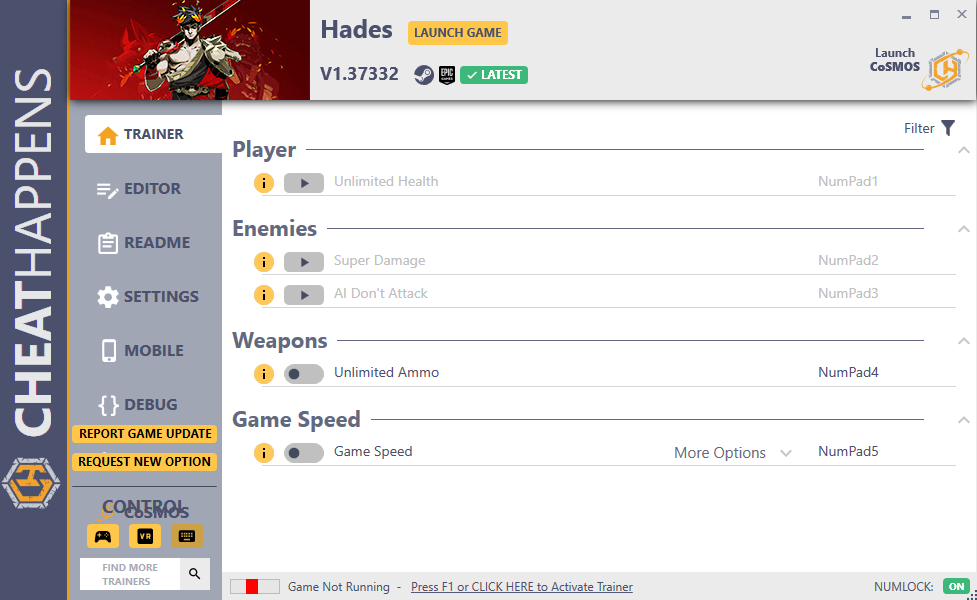
# Player
- NumPad1: Unlimited Health
# Enemies
- NumPad2: Super Damage
- NumPad3: AI Don't Attack
# Weapons
- NumPad4: Unlimited Ammo
# Game Speed
- NumPad5: Game Speed
Editor Options
# Currency
- Gold
- Darkness
- Keys
- Reroll Stones
- Gemstones
- Diamonds
- Titan Blood
- Nectar
- Ambrosia
Notes
EDITOR OPTIONS
The best time to use the EDITOR options is when you FIRST enter a level when you start. The values being shown are likely the current values for you.
For "Health of Being Just Damaged" option, the value that fills is the health of the MOST RECENT BEING THAT HAD HEALTH CHANGED. In other words, if YOU take damage, then PAUSE the game, the value shown is YOUR health. In most cases when you load into the game, the health shown is yours. You can also use this to change the health of whatever you just attacked. If you set this to a very high value, it will remain high until you take a potion, upgrage your health, or otherwise do something that resets your health to the normal max. Enter the new value, then press TAB.
For the other options, you need to collect at least ONE of the item, then it will show in the editor, then you can edit it and press TAB.
Unlimited Ammo:
Toggle on and many weapons have unlimited ammo.
Game Speed:
Toggle on to affect game speed.

Você só pode fornecer uma análise uma vez que você tenha baixado o arquivo.