
Jump to content
View in the app

A better way to browse. Learn more.

GGames Fórum

A full-screen app on your home screen with push notifications, badges and more.

To install this app on iOS and iPadOS
  1. Tap the Share icon in Safari
  2. Scroll the menu and tap Add to Home Screen.
  3. Tap Add in the top-right corner.
To install this app on Android
  1. Tap the 3-dot menu (⋮) in the top-right corner of the browser.
  2. Tap Add to Home screen or Install app.
  3. Confirm by tapping Install.

Caesium 1.7.0

(16 reviews)
https://g.ggames.com.br/files/file/1736-caesium/

3 Screenshots

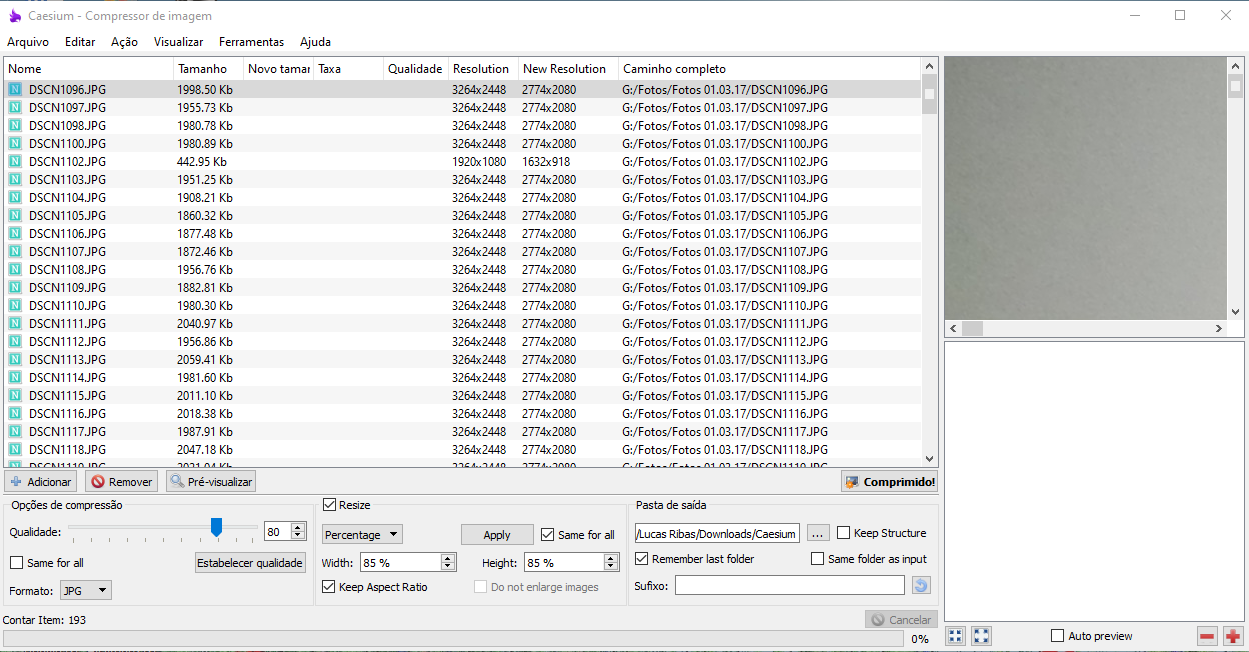
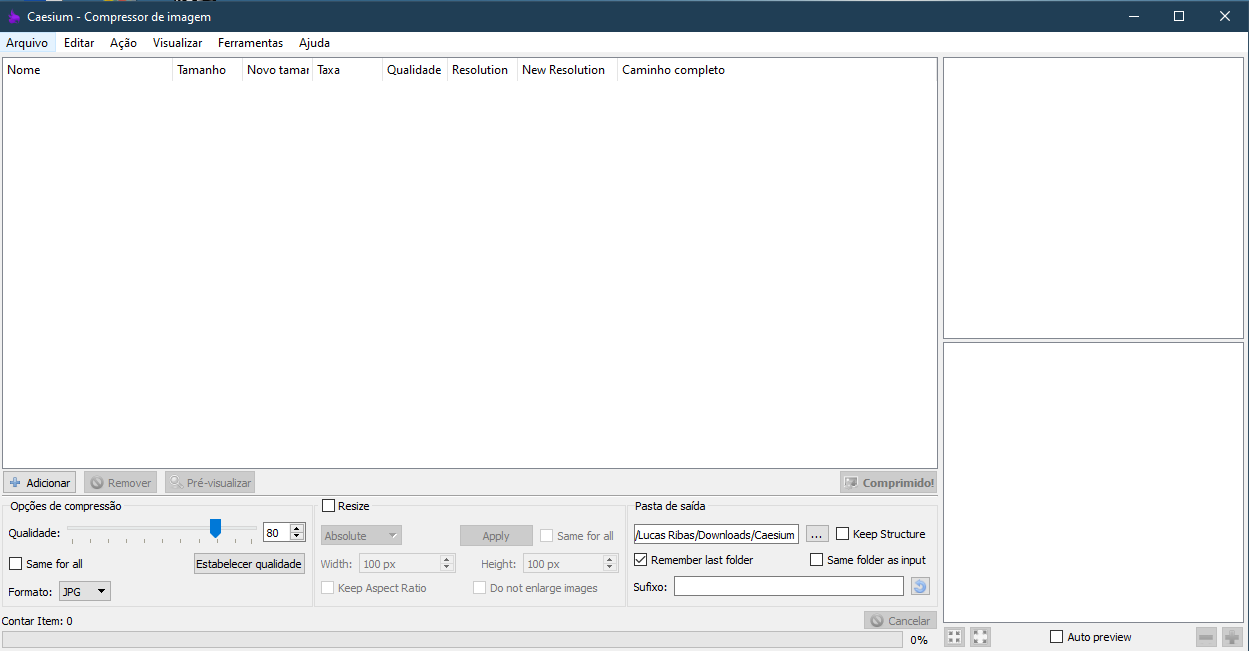
O Caesium é um compressor de imagens gratuito e leve, serve para realizar operações simples como redimensionar imagens (o que pode ser feito tanto em escala percentual como em escala personalizada), e também diminuir a qualidade proporcionalmente à diminuição esperada no tamanho do arquivo.

What's New in Version 1.7.0

See changelog

Released

Novo icone! 

https://g.ggames.com.br/files/file/1736-caesium/

User Feedback

You may only provide a review once you have downloaded the file.


valeu campeão, obrigado por compartilhar


hoje já é possível fazer através de alguns sites, mas geralmente com várias limitações

bom saber que ainda existe um software assim, valeu


Gostei bastante, ferramenta muito útil 


Adorei, cumpre o prometido.


mto bom! vlw por compartilhar!


Sempre fazia isso na web, mas tinha limite de imagem. Ótima ferramenta, obrigado.


obrigado man


Obrigado por compartilhar, o programa é realmente cumpre o seu papel.

   1 of 1 member found this review helpful 1 / 1 member

Muito útil, obrigado.

(edited)

   2 of 2 members found this review helpful 2 / 2 members

A tempos procuro um programa free e a esse nível! Vale a pena baixar e conferir... Faz muito bem seu papel e cumpre o prometido! Excelente software!

Edited by euBarba

Configure browser push notifications

Chrome (Android)
  1. Tap the lock icon next to the address bar.
  2. Tap Permissions → Notifications.
  3. Adjust your preference.
Chrome (Desktop)
  1. Click the padlock icon in the address bar.
  2. Select Site settings.
  3. Find Notifications and adjust your preference.