
Jump to content
View in the app

A better way to browse. Learn more.

GGames Fórum

A full-screen app on your home screen with push notifications, badges and more.

To install this app on iOS and iPadOS
  1. Tap the Share icon in Safari
  2. Scroll the menu and tap Add to Home Screen.
  3. Tap Add in the top-right corner.
To install this app on Android
  1. Tap the 3-dot menu (⋮) in the top-right corner of the browser.
  2. Tap Add to Home screen or Install app.
  3. Confirm by tapping Install.

1 Screenshot

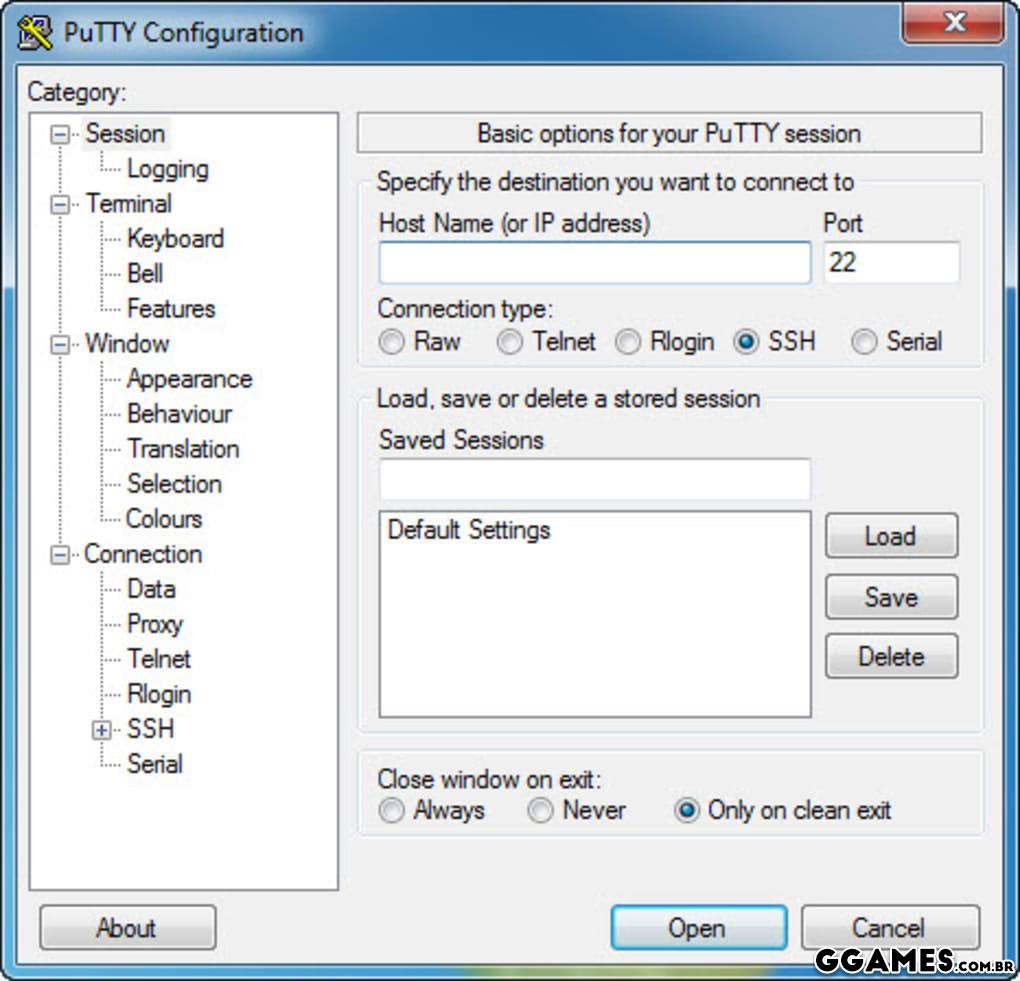
O PuTTy é um software de emulação de terminal grátis e de código livre. Suporta SSH, destinado a suportar o acesso remoto a servidores via shell seguro e a construção de "túneis" cifrados entre servidores. Também suporta conexão direta, telnet, rlogin e por porta serial.
108.jpg

Edited by LeandroSexy

What's New in Version 0.74

See changelog

Released

Nova Versão:  x32 e x64 bits, Novo Ícone e uma foto ilustrativa de como é o programa! 

User Feedback

You may only provide a review once you have downloaded the file.


Super útil, fácil de utilizar, ideal para iniciantes.

   1 of 1 member found this review helpful 1 / 1 member

Sempre bom ter um para fazer conexões... Obrigado pelo up!


Muito legal essa opção

   1 of 1 member found this review helpful 1 / 1 member

Muito bom para quem nao tem muita experiencia com a utilizacao de servidor por terminal. Otima interface e tem muita documentacao na internet.


Hmmm descobri pq isso vem no roteador da Vivo Fibra então KKKKKK


vlw por compartilhar!


Excelente, uso praticamente todos os dias.


Programa ok. Funcional. Obrigado. 


Bom programa, obrigado por compartilhar.


Belo programa. Obrigado. 

Configure browser push notifications

Chrome (Android)
  1. Tap the lock icon next to the address bar.
  2. Tap Permissions → Notifications.
  3. Adjust your preference.
Chrome (Desktop)
  1. Click the padlock icon in the address bar.
  2. Select Site settings.
  3. Find Notifications and adjust your preference.