
carlosalbertofr
Membro
-
Registro em
-
Última visita
Tudo que carlosalbertofr postou
-

 ótimo! Funcionou perfeitamente!
 -
 Um dos melhores emuladores disponível. Fácil de usar e cheio de recursos.
 -
 Sempre bom poder jogar os jogos da adolescência. Valeu.
 -
-
Opa excelente tutorial. Clientes mal configurados sempre gera taxa de downloads abaixo. Vlw
-
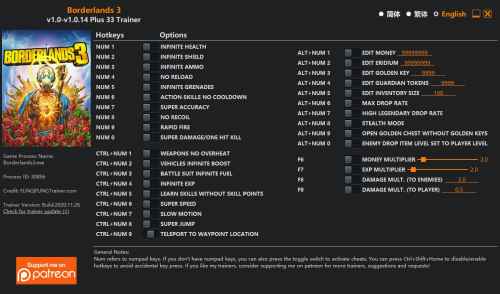 Funcionou perfeitamente! Obrigado.
 -
 Emulador muito bom. Acho a configuração um pouco complicada. Mas com paciência dá tudo certo.
 -
 Boa tradução. Muito fácil de usar. Obrigado.
 -
 Funcionou perfeitamente pra mim. Simples de usar e muito útil. Excelente pack.
 -
Bom tutorial. Foi de grande ajuda. Obrigado.