


Junior Martins
Membro
-
Registro em
-
Última visita
Tudo que Junior Martins postou
-

 Obrigado por compartilhar, sempre usei para desinstalar qualquer programa.
-
 Ótimo programa.
-
 Ótimo programa, baixando para conferir.
-
Obrigado pelo Tópico, vou dar uma conferida.
-
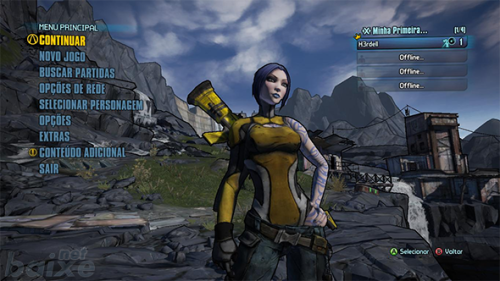 Top demais esse game, obrigado por compartilhar.
-
Muito obrigado por compartilhar, show de bola.
-
-

-

-
 Top demais essa seleção de emuladores.
-
 Muito top esse game.
-
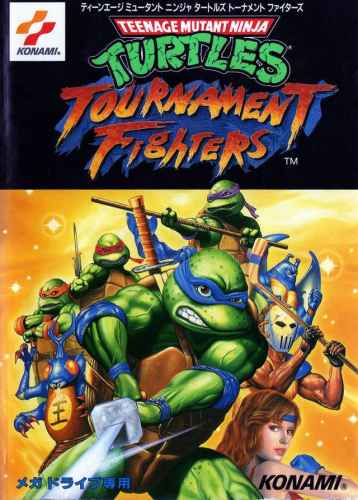 Obrigado por compartilhar, baixando agora mesmo para conferir.
-
 Obrigado por essa tradução, zerei há tempos, vou fazer isso de novo.
-
 Nunca consegui terminar esse game, mas obrigado por compartilhar.
-
 Um dos meus games preferidos da franquia, obrigado por compartilhar, parabéns pelo tabalho.
-
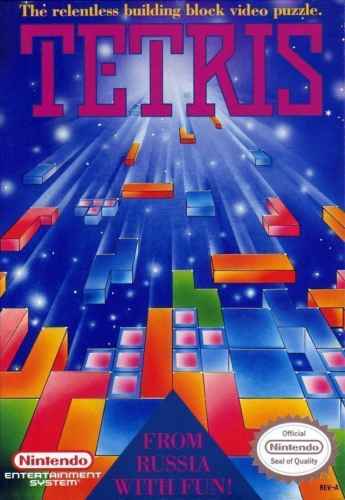 Very Nice, Tetris é um clássico.
-
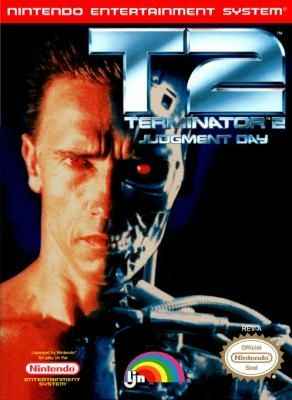 Obrigado por compartilhar amigo!
-
 Interessante. Vou conferir.
-

