https://www.facebook.com/lisboa.codes/
Por
based Postado 3 horas atrás 3 hs


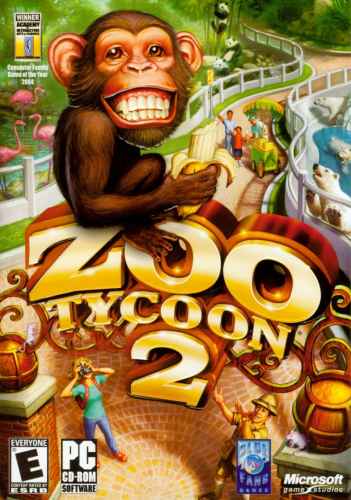 Tradução é boa para ter mais esclarecimento na hora das explicações de missões/dicas. Jogo ótimo, lembro de jogar muito quando mais novo. Apesar dos gráficos, muito bom e de fácil entendimento, só peca um pouco na hora de da implantação dos cercados, lembro de passar uns perrengues pra fechar ?