


Malix
Membro
-
Registro em
-
Última visita
Tudo que Malix postou
-

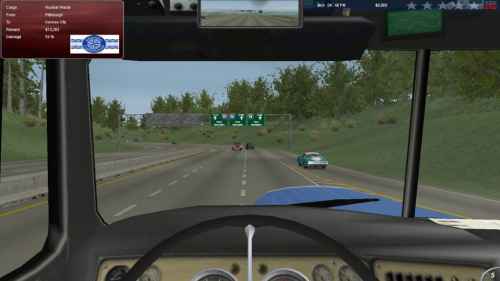 Tradução ótima, auxilia e muito na hora da jogatina.
 -
 Fica bem melhor assim pra jogar. Tradução muito boa!
 -
 Fica bem melhor assim pra jogar. Tradução muito boa!
 -
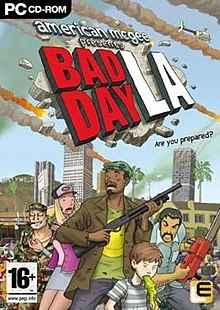 O game fica totalmente diferente com tradução. Valeu mesmo!
 -
 Show, ótima tradução!
 -
 Excelente, tradução bem elaborada.
 -
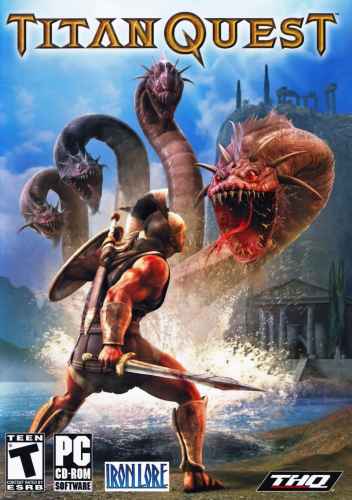 Excelente, tradução bem elaborada.
 -
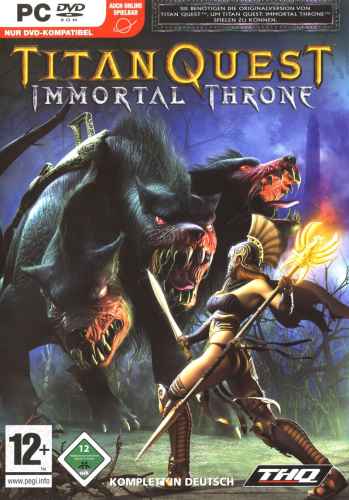 Tradução ótima, auxilia e muito na hora da jogatina.
 -
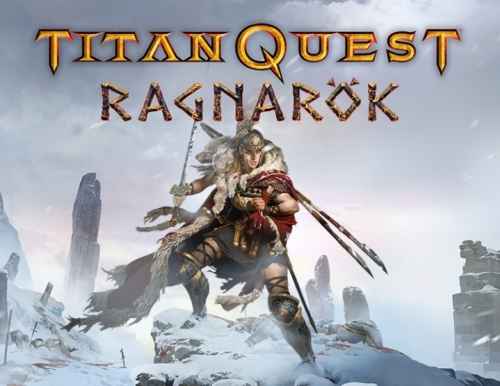 Fica bem melhor assim pra jogar. Tradução muito boa!
 -
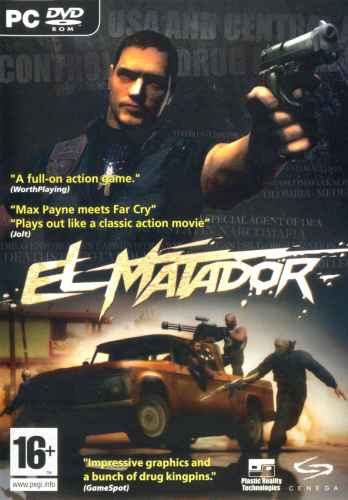 O game fica totalmente diferente com tradução. Valeu mesmo!
 -
 Show, ótima tradução!
 -
 Show, ótima tradução!
 -
 Excelente, tradução bem elaborada.
 -
 Tradução ótima, auxilia e muito na hora da jogatina.
 -
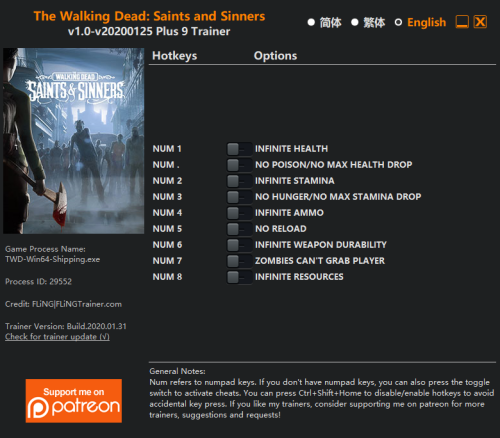 Programa parece ser bem prático, acho que vou testar aqui.
 -
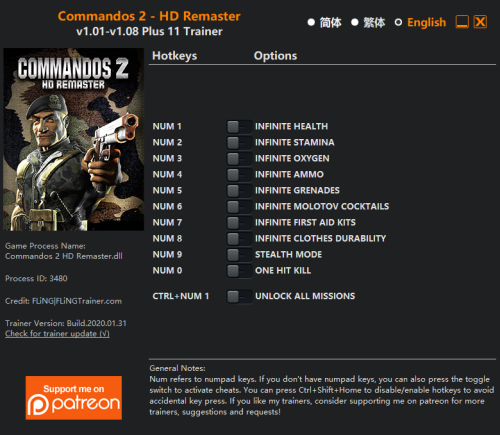 Programa tem uma proposta interessante, vou ver aqui.
 -
.thumb.png.0e732093f4e082675674848d961f33ad.png) Bem interessante esse programa, testar aqui.
Bem interessante esse programa, testar aqui. -
Interessante, vou conferir depois!
-
-
-
 Bem interessante esse programa, testar aqui.
 -
 Proposta interessante do programa, vou testar.
 -
 Programa parece ser bem prático, acho que vou testar aqui.
 -
 Programa tem uma proposta interessante, vou ver aqui.
 -
 Bem interessante esse programa, testar aqui.
