


Líderes
-
.gif.1ecb77ab2004a6ea875a6cabe4f38887.gif)
403 - Forbiddeen
Fundador1Pontos10975Postagens

Conteúdo Popular
Exibindo conteúdo com a maior reputação em 12/19/25 em %
-
1 ponto
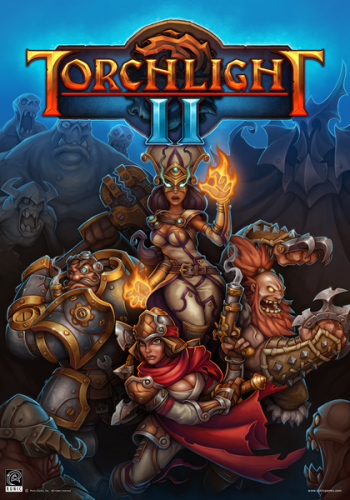 Versão 1.00 Idioma Português-BR Versão Suportada 1.25.5.2 Idioma Suportado Inglês Créditos: Tribogamer Observações Os jogadores precisarão iniciar o game pelo ModLauncher pela Steam ou pasta do jogo. Como mostra a imagem abaixo. E selecionar a tradução para que ela inicie e mudar a opção de linguagem para PT-BR nas configurações do jogo. Se iniciarem pelo executável normal, a opção PT-BR não estará disponível.1 ponto
Líderes está configurado para São Paulo/GMT-03:00