Ir para conteúdo
View in the app

A better way to browse. Learn more.

GGames Fórum

A full-screen app on your home screen with push notifications, badges and more.

To install this app on iOS and iPadOS
  1. Tap the Share icon in Safari
  2. Scroll the menu and tap Add to Home Screen.
  3. Tap Add in the top-right corner.
To install this app on Android
  1. Tap the 3-dot menu (⋮) in the top-right corner of the browser.
  2. Tap Add to Home screen or Install app.
  3. Confirm by tapping Install.

Líderes

Conteúdo Popular

Exibindo conteúdo com a maior reputação em 06/13/24 em todas áreas
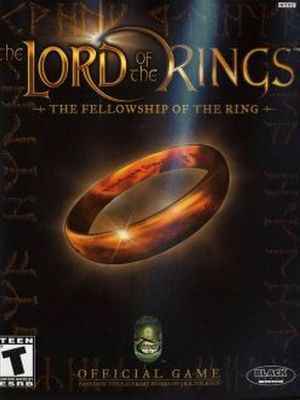
    • 25 downloads
    • Versão 1.0
    CHEAT DESCRIPTION: The game is completely completed Step-by-step saves at the beginning of each location and before the ending Collected many healing items Path: ...\Game Root\Saves\ Author: SuN1Sh1nE
Líderes está configurado para São Paulo/GMT-03:00

Configure browser push notifications

Chrome (Android)
  1. Tap the lock icon next to the address bar.
  2. Tap Permissions → Notifications.
  3. Adjust your preference.
Chrome (Desktop)
  1. Click the padlock icon in the address bar.
  2. Select Site settings.
  3. Find Notifications and adjust your preference.