


Líderes
-
ricardo tida
Membro3Pontos43Postagens -
Pbisnetto11
Moderador1Pontos534Postagens


Conteúdo Popular
Exibindo conteúdo com a maior reputação em 05/21/24 em todas áreas
-
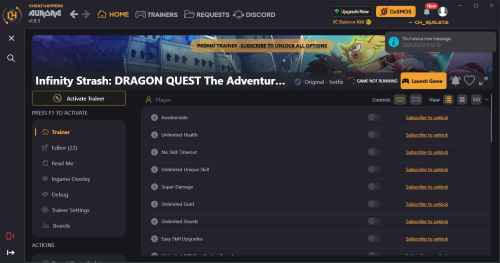 CHEAT DESCRIPTION: Activating this trainer If not state otherwise below, press F1 at main menu. Listen for 'Trainer Activated'. Press desired hotkey. All hotkeys can be changed on the trainer. Trainer Options # Player NumPad1: Unlimited Fuel # Opponents NumPad2: Slow Opponents # Clock NumPad3: Freeze Race Timer # Gameplay NumPad4: Game Speed Editor Options # Currency Gear Points # Player Progression XP Upgrade Points1 ponto
Líderes está configurado para São Paulo/GMT-03:00