


Líderes
-
.gif.1ecb77ab2004a6ea875a6cabe4f38887.gif)
403 - Forbiddeen
Fundador1Pontos10975Postagens

Conteúdo Popular
Exibindo conteúdo com a maior reputação em 04/24/22 em %
-
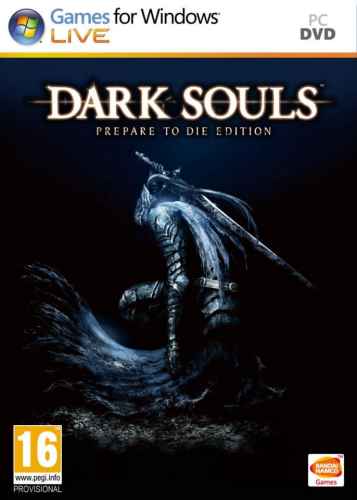 Versão 1.01 Idioma Português-BR Versão Suportada 1.00 (Steam) Idioma Suportado Inglês Lançamento 19/03/2015 Problemas Suporte Técnico Créditos Administrador Ecthelion, Co-Administrador(es) Henry Master, Tradutores Ecthelion, SinEsTrO, Sandriner, aioria_br, Henry Master, KorksKill, TyAgO-ExTrEmE, Alves_TR, dotaking, LHCM, cav, Rafael KbcaIce, ZerogateGamer, XDathz, Bruno Noblat, RufflesT, Ghbraz, luban, lucaspmtl, Revisores Ecthelion, Henry Master, ed_cabral, Tests-ingame Henry Master, zZAndersonZz, Instalador H3rdell, Ferramentas TriboGamerBrasil, Observações • Esta tradução funciona somente na versão SteamWorks do jogo. Para versões anteriores, baixar a versão DESTE LINK. • As texturas traduzidas são aplicadas diretamente nos arquivos do jogo, dispensando o uso do DSFix para este fim. Tradução atualizada para a versão 1.01 • Corrigido o bug que fazia o jogo travar em certas partes.1 ponto
Líderes está configurado para São Paulo/GMT-03:00