


Líderes


Conteúdo Popular
Exibindo conteúdo com a maior reputação em 07/16/21 em %
-
1 ponto
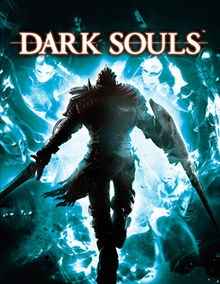 Tradução do jogo Dark Souls para PT-BR Tradução dos menus e legendas do jogo Dark Souls para o Português do Brasil. Para instalar esta tradução basta executar o arquivo baixado e seguir as instruções do instalador. Notas da versão: O jogo precisa estar na versão 1.02 para que a tradução funcione. Recomendados o uso das texturas traduzidas para uma experiência completa com a tradução. Ambos, update e pacote de texturas estão junto com o arquivo de tradução. Ficha Técnica Tamanho: 6,5 MB Versão Suportada 1.2 Licença: Grátis Idioma: Português Plataformas: Windows Desenvolvedor: Tribo Gamer Lançamento: 18/04/2014 Boa Jogatina! #Snikt1 ponto
Líderes está configurado para São Paulo/GMT-03:00