





Ativando o trainer:
- Se não aparecer na tela, pressione F1 no menu principal.
- Escute a mensagem 'Trainer Activated'.
- Pressione a tecla de atalho desejada.
- Todas as teclas de atalho podem ser alteradas no trainer.
Promo Options/ Opções dessa versão:
-
NumPad1: Unlimited Health
Trainer Options/ Opções do Trainer
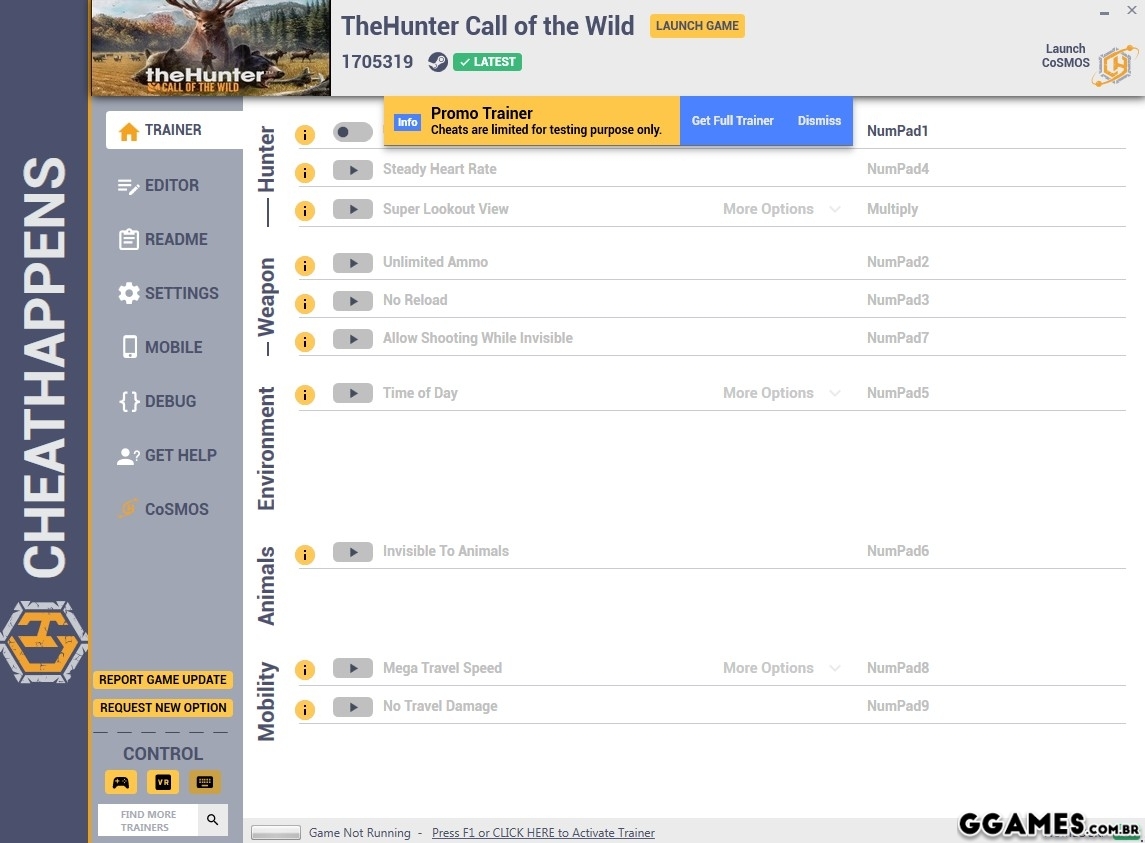
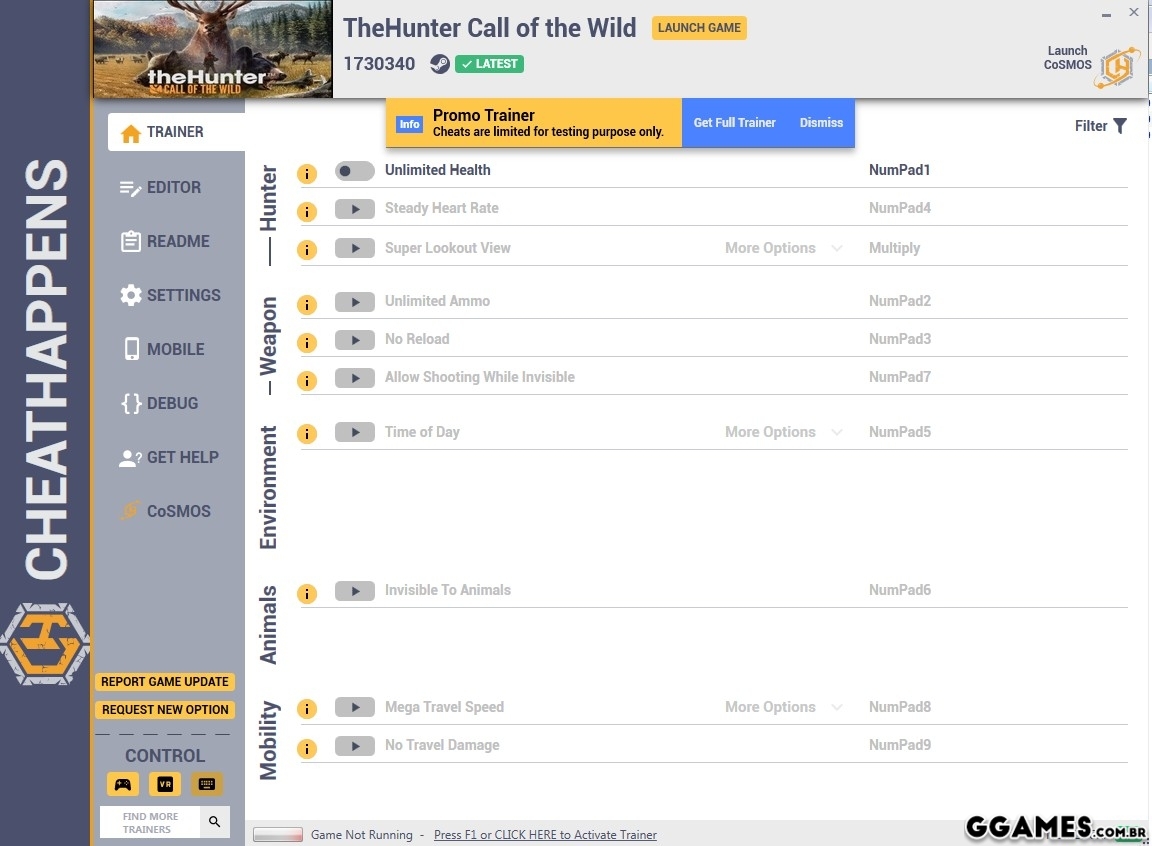
- NumPad1: Unlimited Health
- NumPad2: Unlimited Ammo
- NumPad3: No Reload
- NumPad4: Steady Heart Rate
- NumPad5: Time of Day
- NumPad6: Invisible To Animals
- NumPad7: Allow Shooting While Invisible
- NumPad8: Mega Travel Speed
- NumPad9: No Travel Damage
- Multiply: Super Lookout View
Requerimentos:
- Windows 7 64-Bit OS or later (32-Bit is NOT supported!)
- .NET Framework Runtime 4.7.2 or above: CLIQUE AQUI
- .NET Core Runtime 2.1 or above: CLIQUE AQUI
- DirectX9 for controller support
Boa Jogatina!
#Snikt
O Que Há de Novo na Versão +20 V1730340
Visualizar log de alteraçõesLançado
Não há alterações disponível para esta versão.
Você só pode fornecer uma análise uma vez que você tenha baixado o arquivo.
Não há análises para mostrar