





OPTIONS
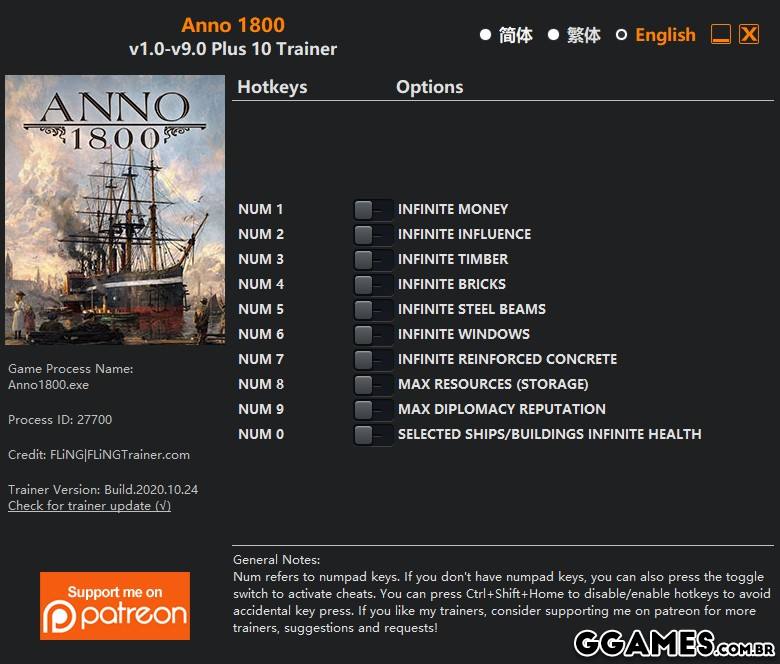
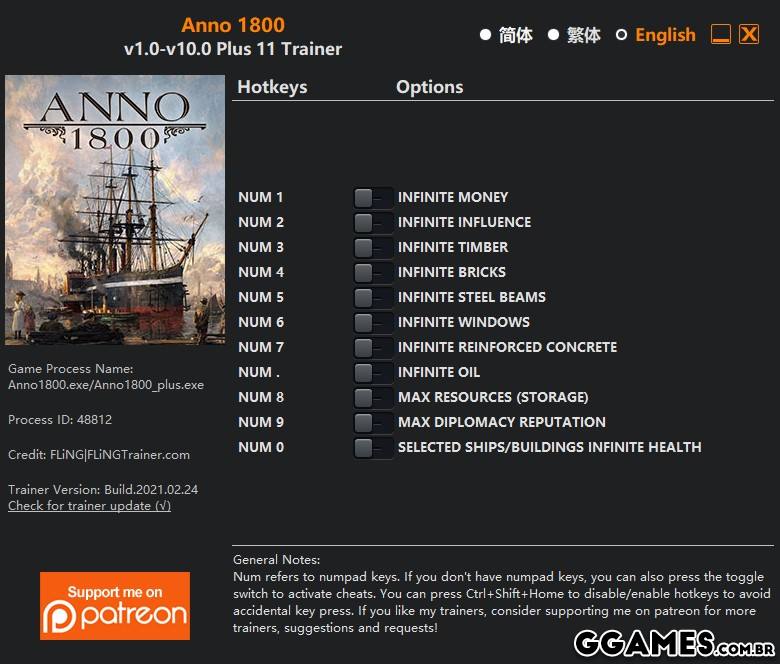
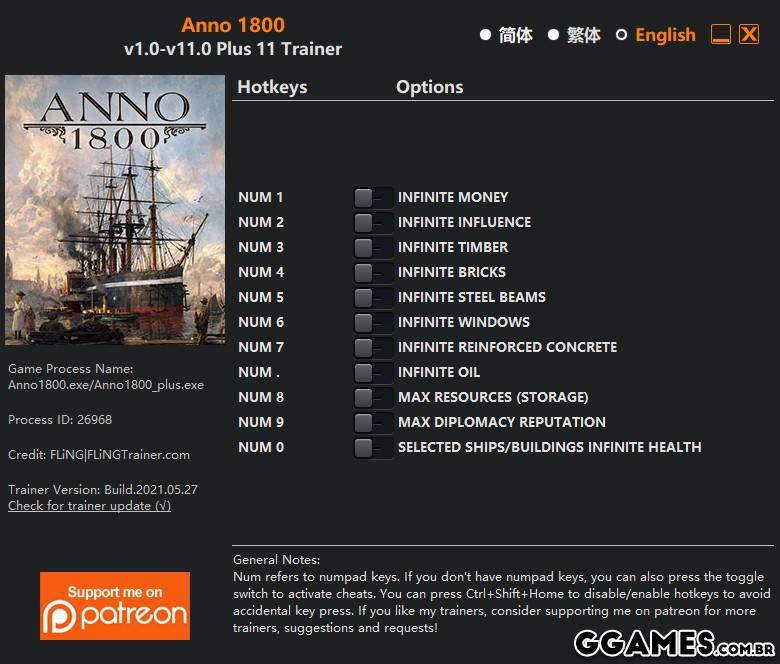
- Num 1 – Infinite Money
- Num 2 – Infinite Influence
- Num 3 – Infinite Timber
- Num 4 – Infinite Bricks
- Num 5 – Infinite Steel Beams
- Num 6 – Infinite Windows
- Num 7 – Infinite Reinforced Concrete
- Num 8 – Max Resources (Storage)
- Num 9 – Max Diplomacy Reputation
- Num 0 – Selected Ships/Buildings Infinite Health
NOTES
“Max Resources” takes effect when you click on buildings that store resources.
“Infinite Timber”, “Infinite Bricks”, “Infinite Steel Beams”, “Infinite Windows”, “Infinite Reinforced Concrete” take effects when their icons are displayed.
O Que Há de Novo na Versão v1.0-v9.2 plus 10
Visualizar log de alteraçõesLançado
OPTIONS
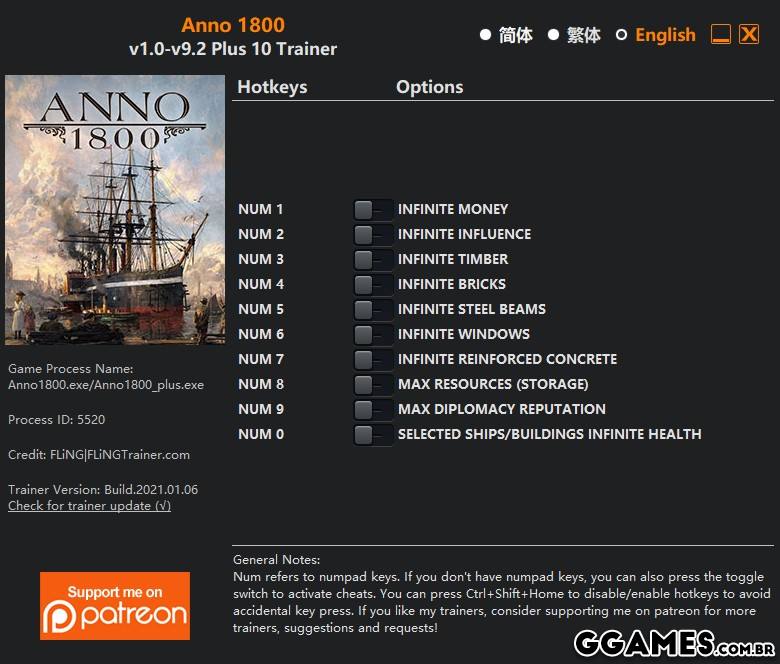
- Num 1 – Infinite Money
- Num 2 – Infinite Influence
- Num 3 – Infinite Timber
- Num 4 – Infinite Bricks
- Num 5 – Infinite Steel Beams
- Num 6 – Infinite Windows
- Num 7 – Infinite Reinforced Concrete
- Num 8 – Max Resources (Storage)
- Num 9 – Max Diplomacy Reputation
- Num 0 – Selected Ships/Buildings Infinite Health
NOTES
“Max Resources” takes effect when you click on buildings that store resources.
“Infinite Timber”, “Infinite Bricks”, “Infinite Steel Beams”, “Infinite Windows”, “Infinite Reinforced Concrete” take effects when their icons are displayed.
 Com a versão v1.0-v9.2 plus 10:
- Download
Você só pode fornecer uma análise uma vez que você tenha baixado o arquivo.
Não há análises para mostrar